
Dreamz.ai made a good impression before I even sent a message. On November 2, 2026, I found a familiar interface, excellent-looking character photos and, thankfully, no explicit videos launching at me before I had asked for anything. Then I met Abigail Edwards and built Brooklyn Young. Both gave me reasons to stay.
This page contains affiliate links. I may earn a commission if you sign up, at no extra cost to you. Links to Dreamz.ai currently lead directly to its official website. This review is for adults aged 18+.
An adult AI site with a little more class
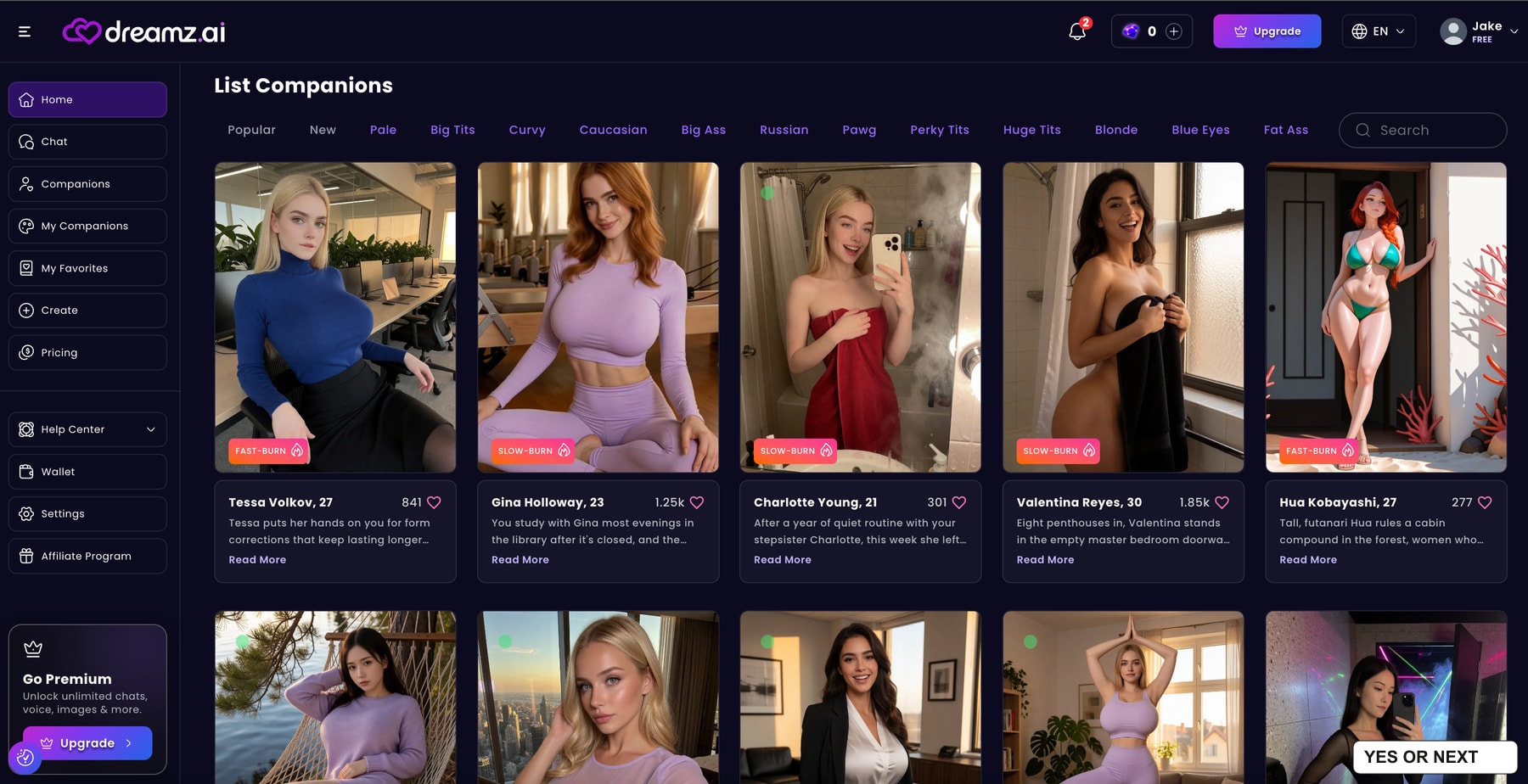
I am not going to pretend Dreamz.ai has reinvented navigation. A sidebar, a grid of companions, categories across the top and a search box: I knew my way around almost immediately. The dark background and purple accents work well together. It is conventional, but pleasant to use.
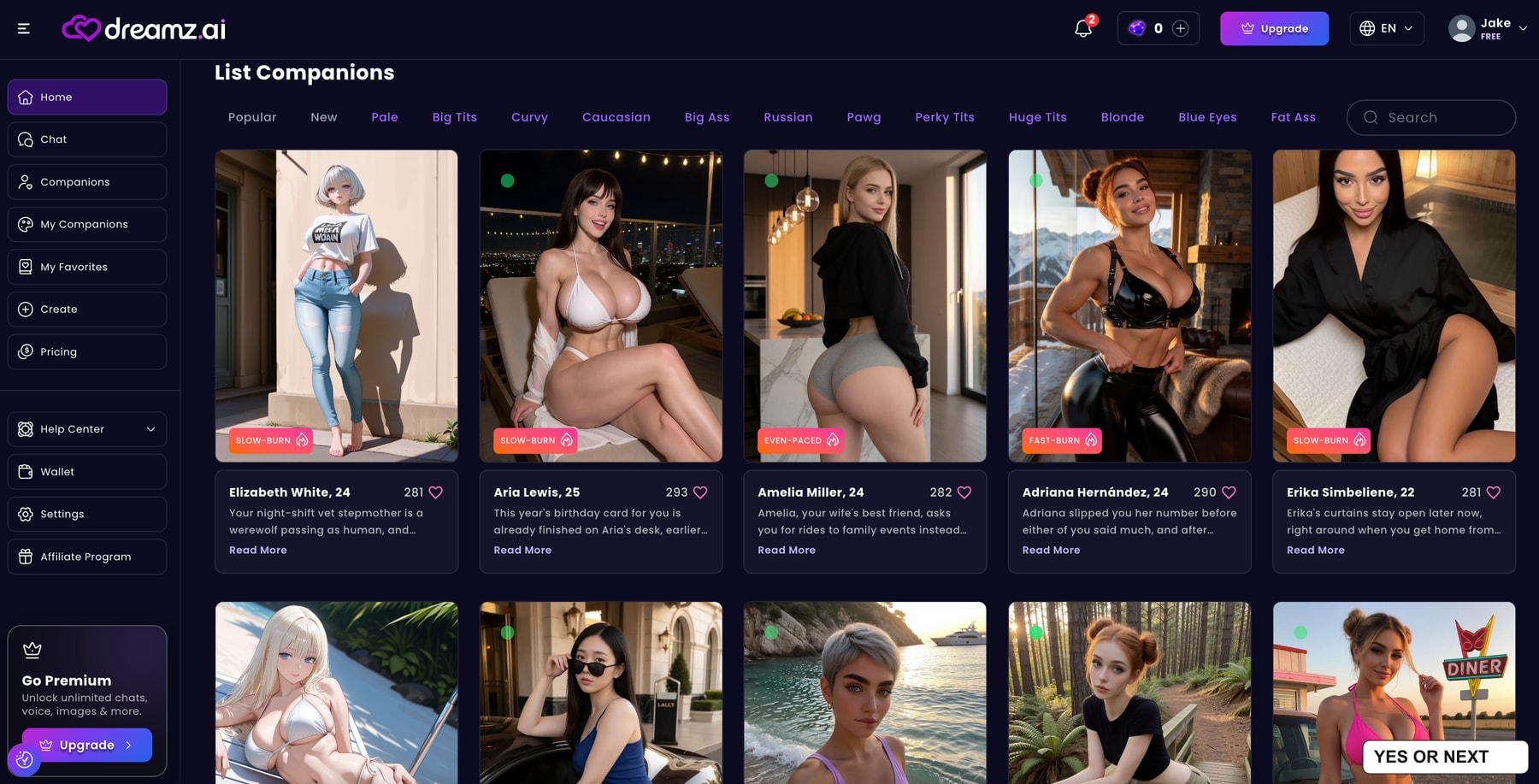
What I appreciated most was the entrance. This is clearly an adult companion platform, and the catalogue does not hide that. Even so, during my visit I was not confronted with unsolicited explicit videos. I could browse first and decide what to open. After trying sites that push the intensity immediately, that felt refreshing.
There are still Upgrade buttons, a currency balance and, in my chat capture, a promotional banner. My point is about the content I encountered, not an absence of sales prompts. Dreamz.ai felt more composed than several other adult AI sites I have used, and that made the whole visit more enjoyable.
The categories give me plenty of ways to narrow the selection. Appearance filters sit alongside profiles with their own relationship scenarios. I would use those filters rather than judge the entire catalogue from whichever row happens to load first. Realistic and anime characters both appear in my captures.
Abigail edwards caught my attention. obviously.
I chose Abigail Edwards for two fairly obvious reasons. I suspect the screenshot saves me the trouble of explaining them. Her profile lists her as 35, with a starting scenario built around being my wife’s best friend. The card also shows a Slow-Burn label and a long list of tags.
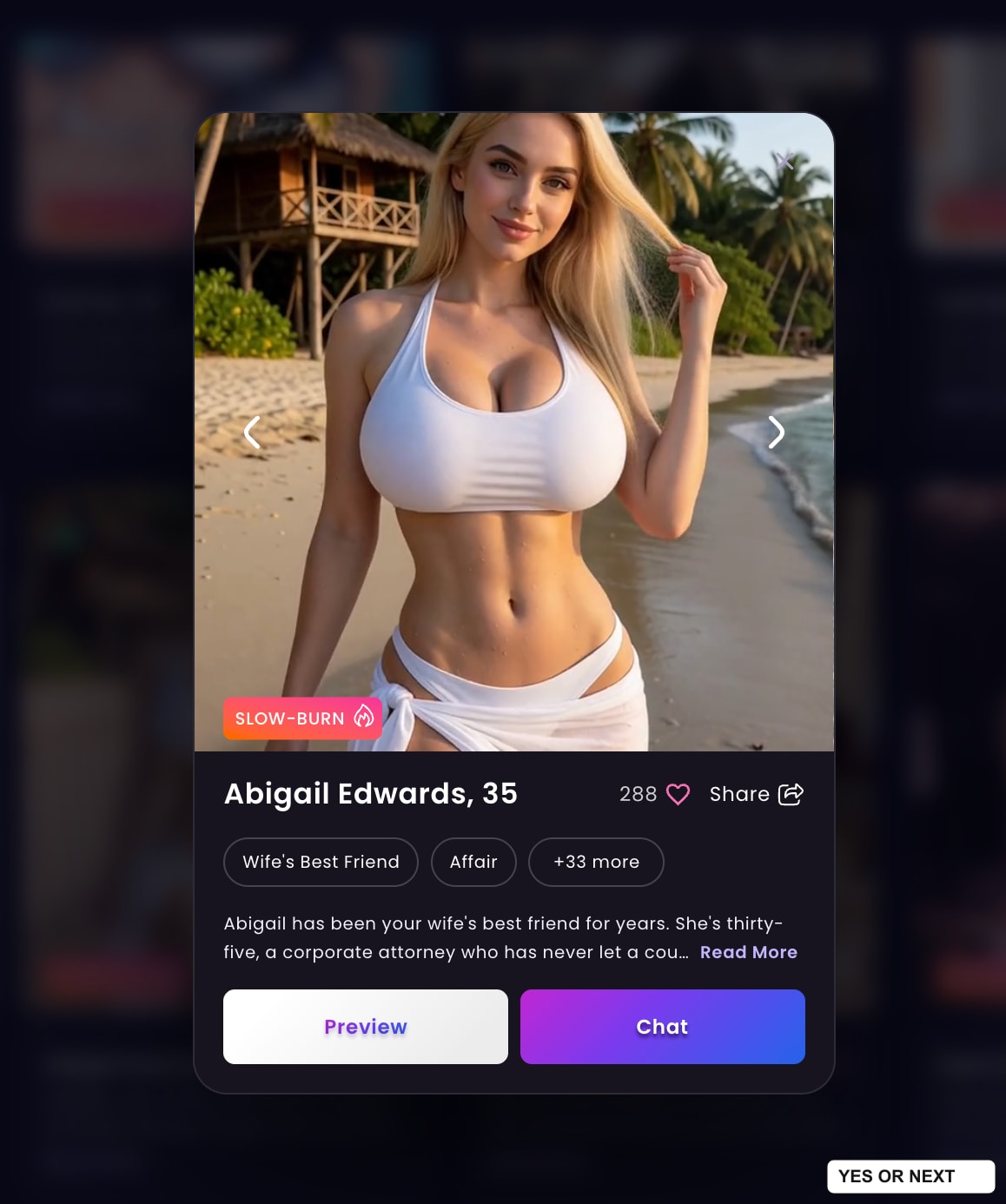
The visual quality was the first real highlight for me. I liked the detail, the lighting and the overall finish of the character photos I saw. They looked polished enough to make browsing enjoyable in itself. Abigail’s beach portrait is a good example of what impressed me.
I am talking about the images I actually inspected and the previews I reached in the builder. I did not run a large batch of paid generations or compare dozens of prompts. That distinction matters: a convincing profile gallery is a strong first impression, but it does not establish the success rate of every future request.
The conversation became direct, and the narration worked for me
My conversation with Abigail became very direct. That was my experience with this character, despite the Slow-Burn badge. I would treat those labels as guidance about the intended scenario, rather than a guarantee of exactly how quickly every exchange will develop.
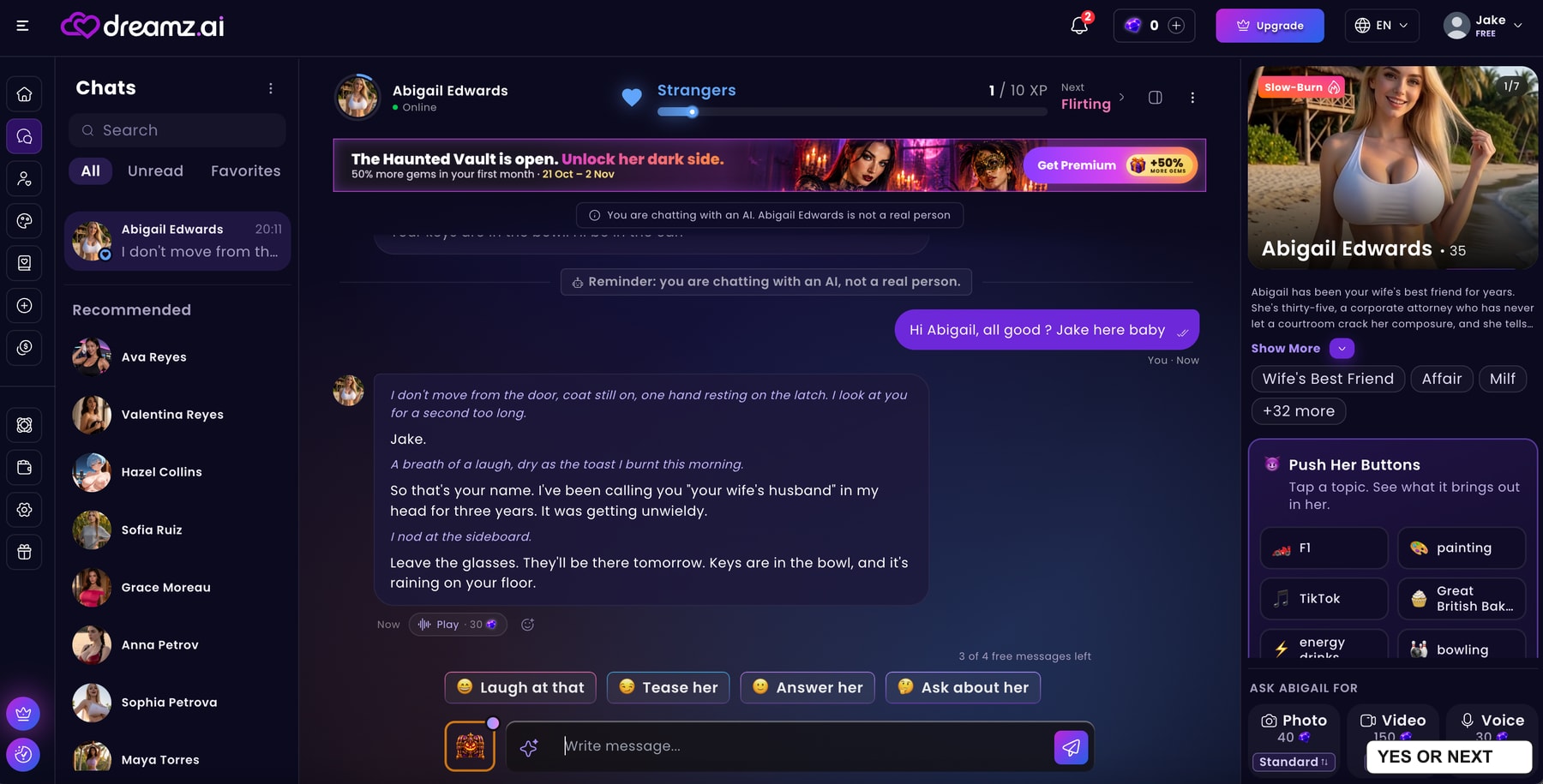
I normally lose patience when an AI turns a simple exchange into a long theatrical scene. Abigail does use scene-setting: the visible reply describes her standing at the door, keeping her coat on and noticing the room around her. Here, though, I found it OK. The conversation still had enough movement and personality to keep my attention.
That is a matter of taste, and I want to be precise about mine. Someone who wants short text-message replies may still find this format too elaborate. I preferred the balance here to the long setups that tend to put me off elsewhere. I did not need the narration to disappear; I needed it to feel worth reading.
The chat also offers suggested responses and separates spoken lines from actions. An on-screen reminder makes clear that Abigail is an AI character. The right panel keeps her profile and media controls nearby, so the conversation does not feel detached from the companion I selected.
My account showed three of four free messages remaining in the captured exchange. That is a snapshot of this visit, not a promise of an ongoing free allowance. Photo, video and voice requests were visible at 40, 150 and 30 gems respectively. I did not test the resulting video or voice quality.
Creating brooklyn young: straightforward, with some excellent choices
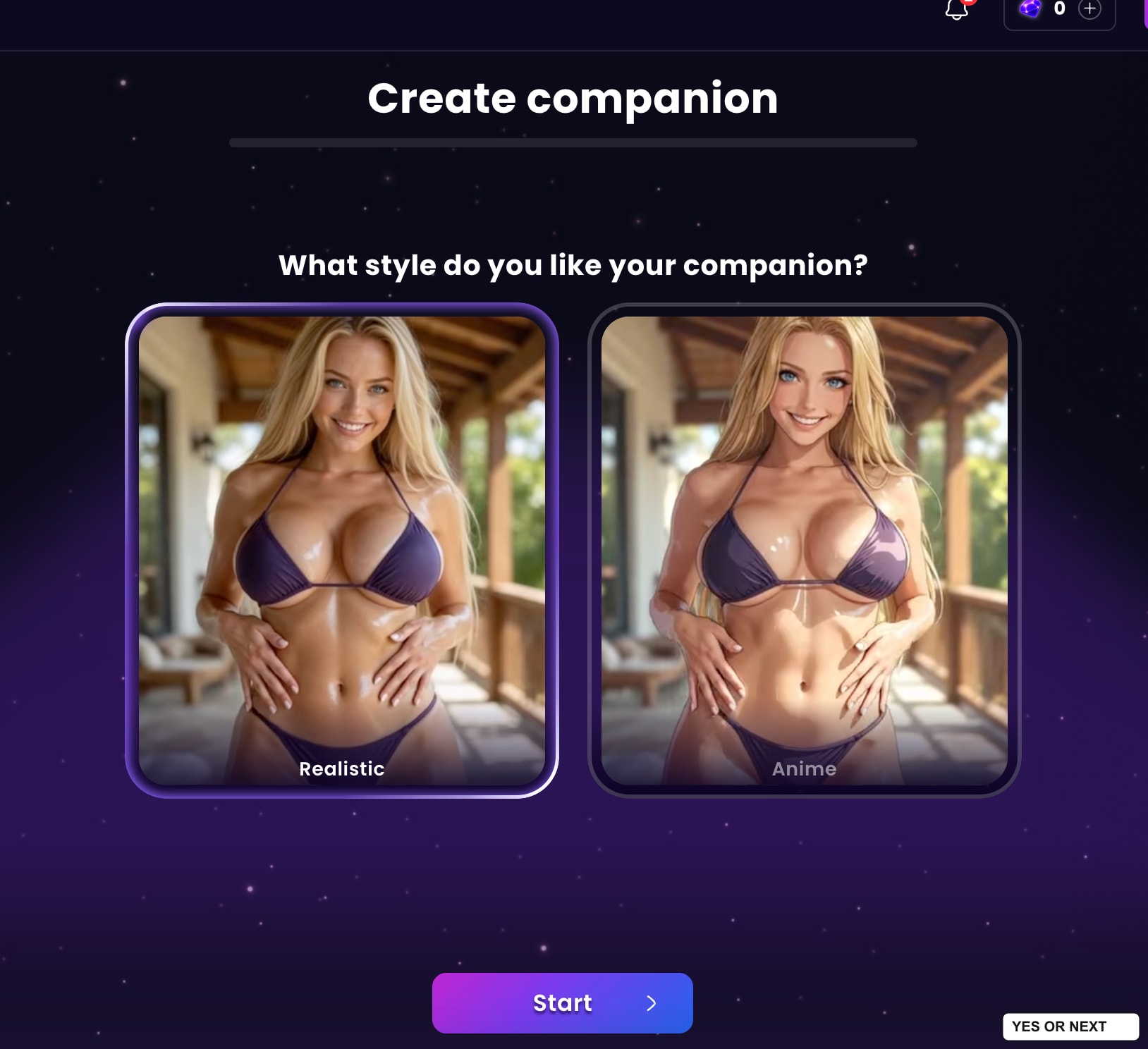
I then tried creating my own companion. The opening steps are familiar: choose a visual style, set appearance preferences and work through the physical details. Large illustrated cards make the choices easy to understand, while a progress bar shows how far through the process I am.
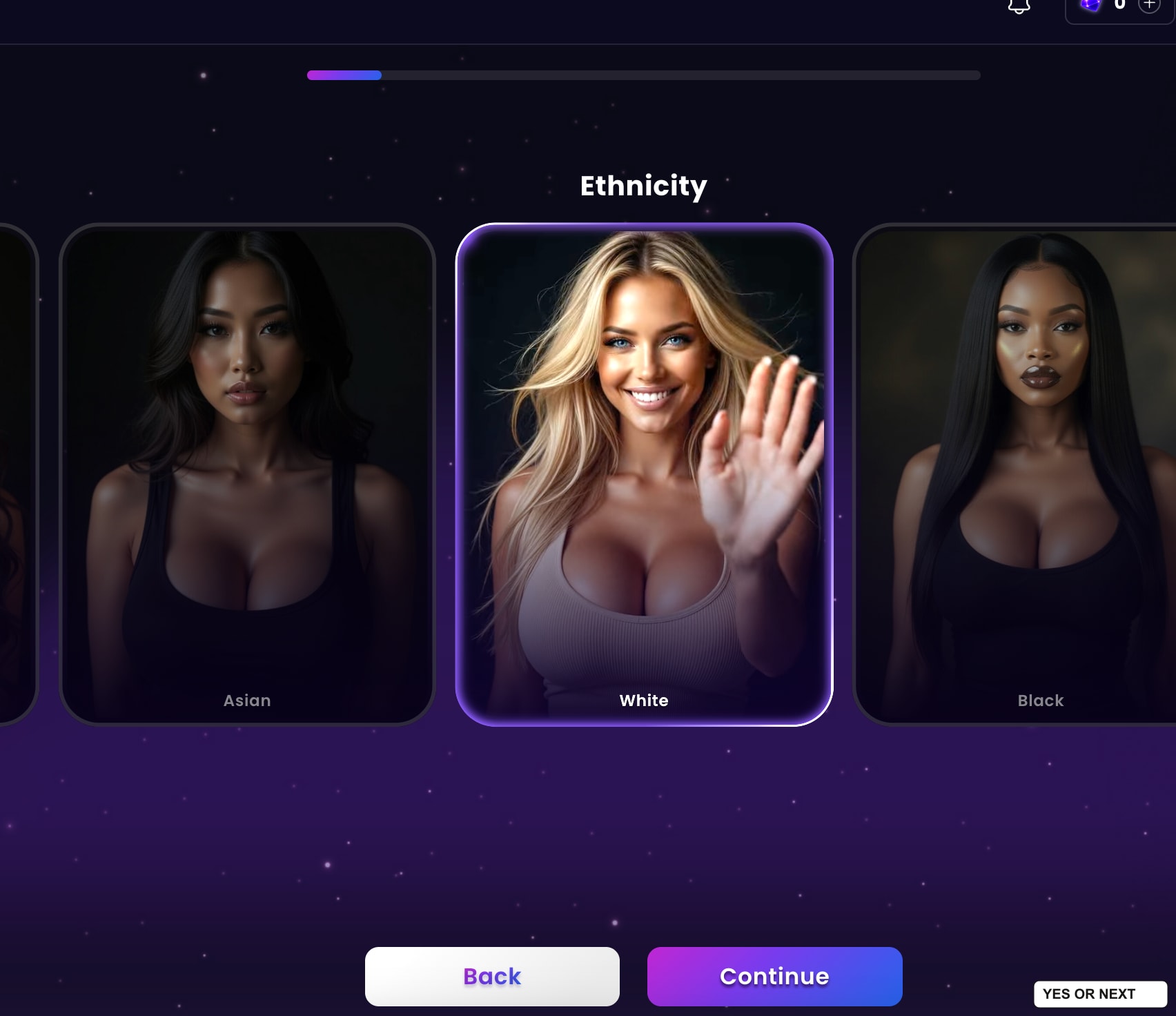
I selected the 31–40 age range and a thin body type. Other visible choices include 21–30 and 40+, alongside different body presets. The builder lets me be specific without making me write a complicated appearance prompt before I have even seen a result.
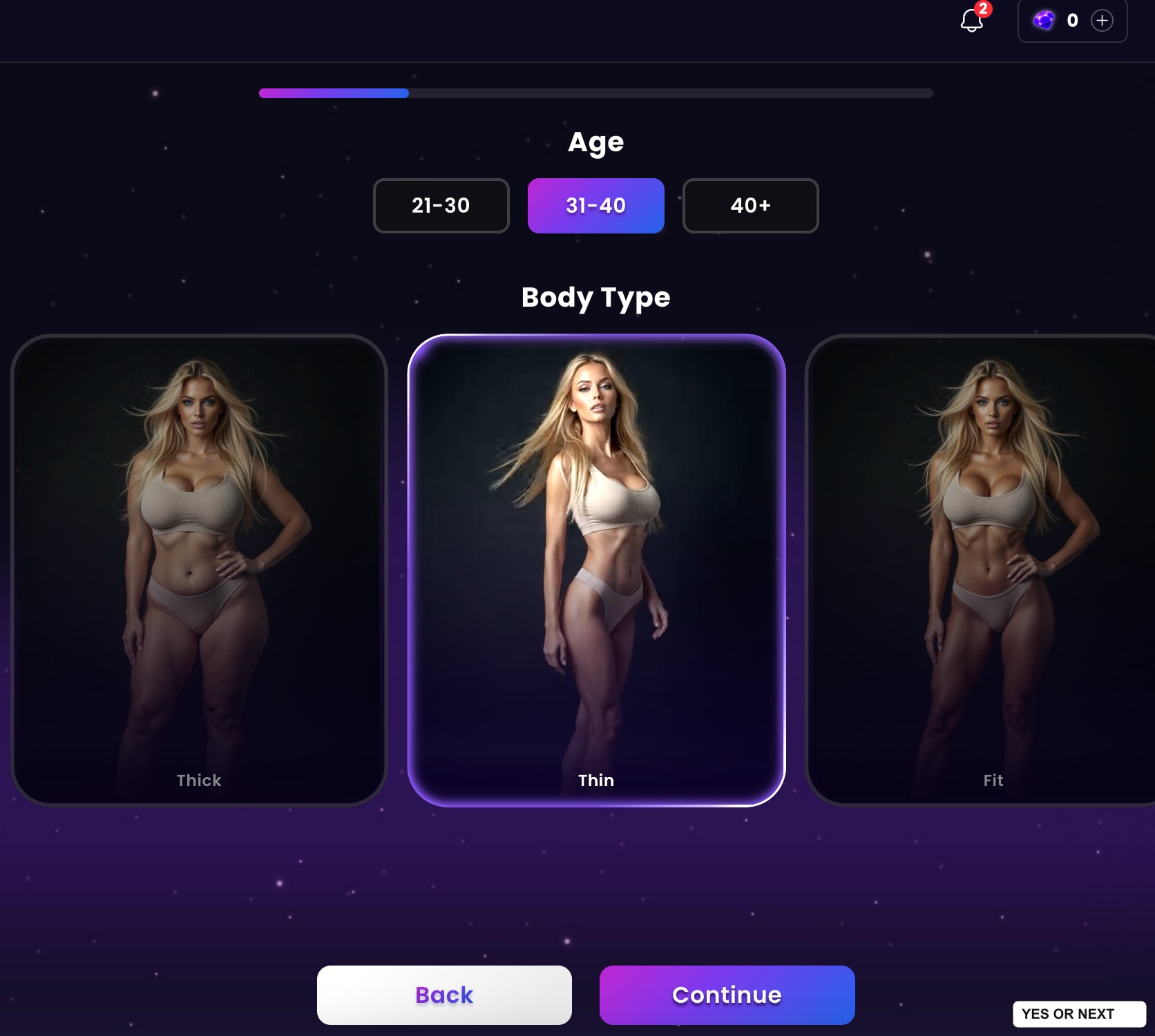
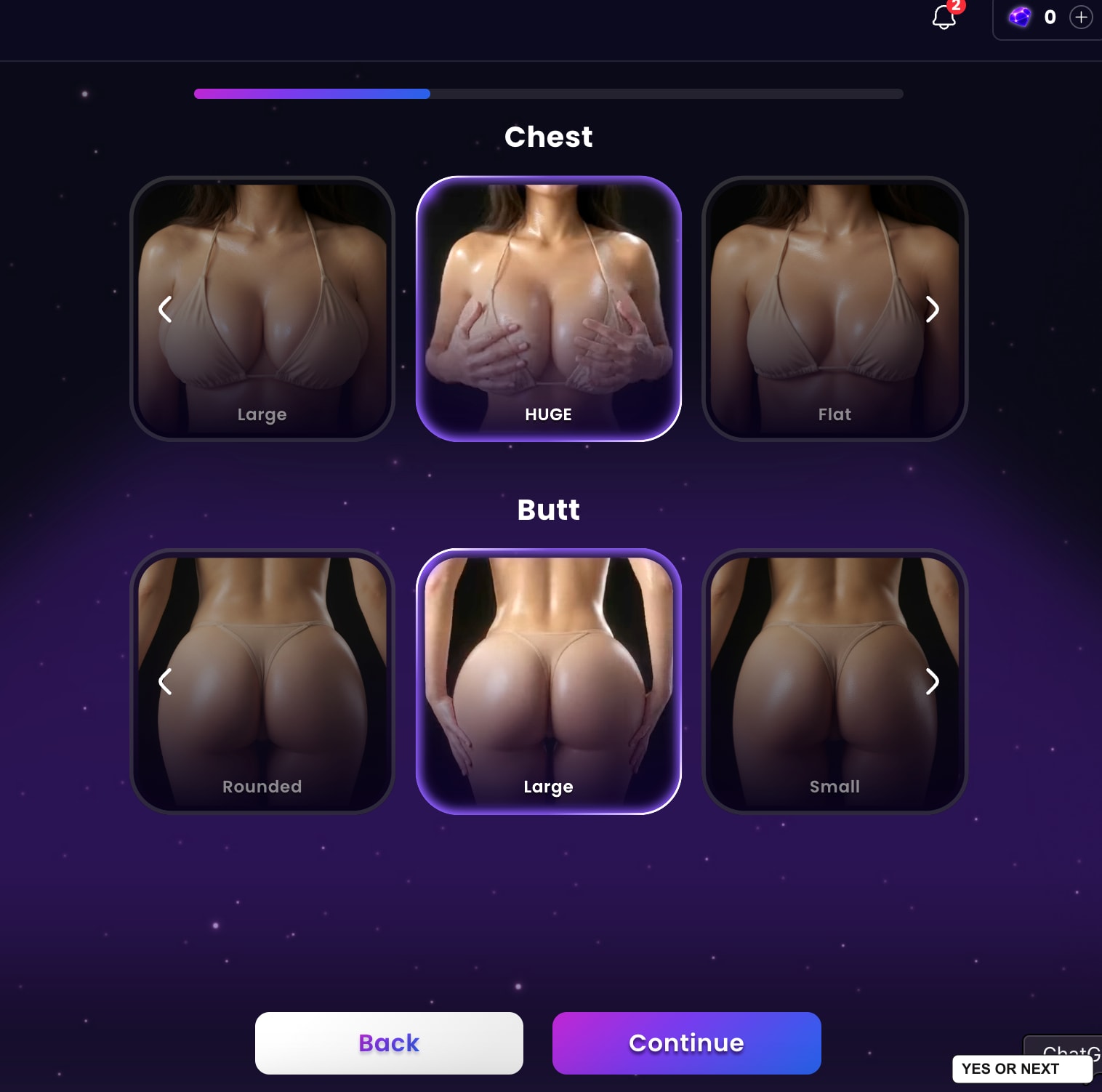
These physical settings are useful, but the next steps interested me more. A good-looking character gives me a reason to open the chat. A relationship and a clear roleplay direction give me a reason to continue it.
The relationship and fantasy give the character a starting point
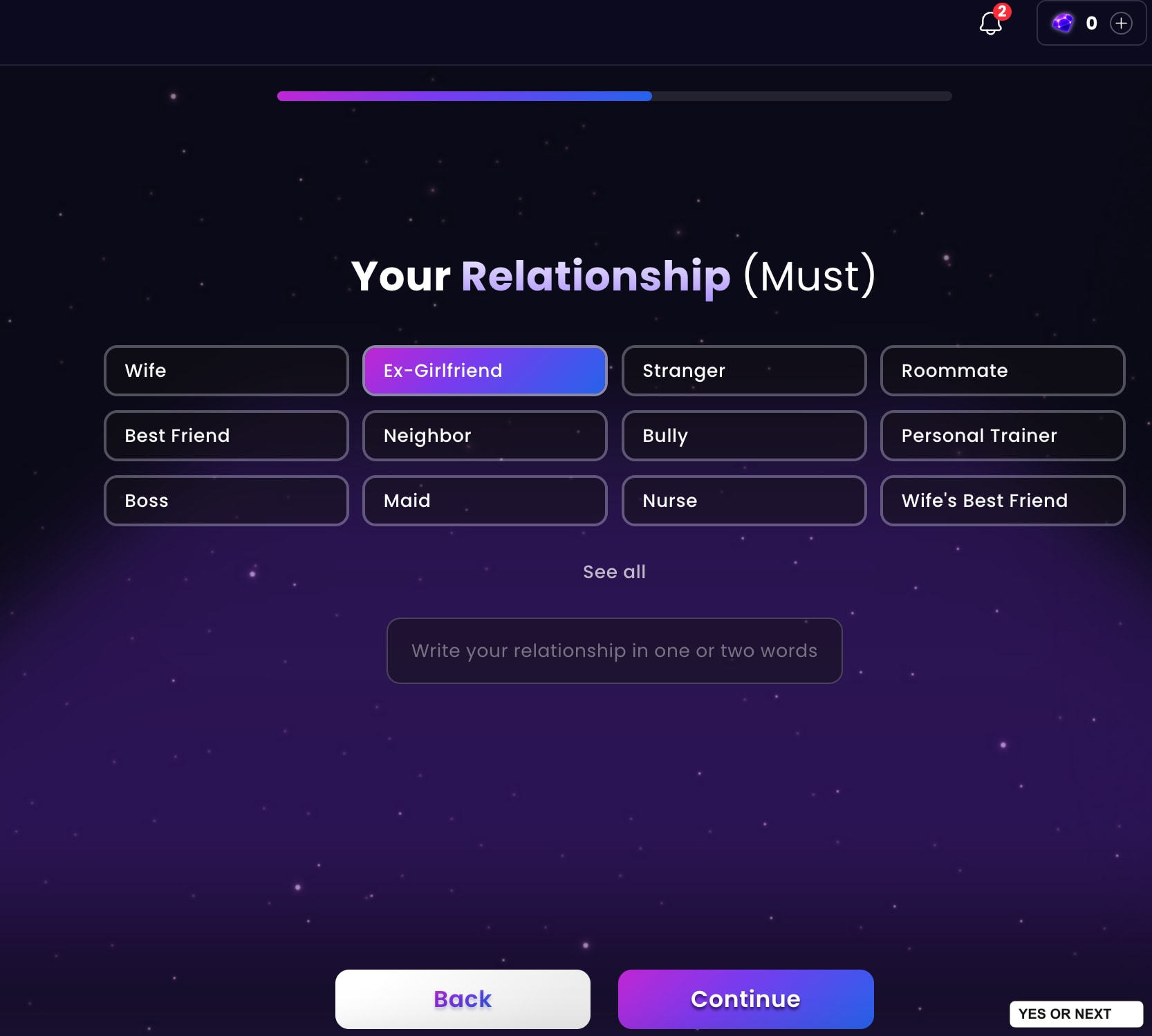
I liked being able to define our relationship before starting. The visible choices include wife, ex-girlfriend, stranger, roommate, best friend, neighbour and personal trainer. I chose Ex-Girlfriend for Brooklyn. That establishes a shared context immediately, instead of leaving me to explain who we are in the first message.
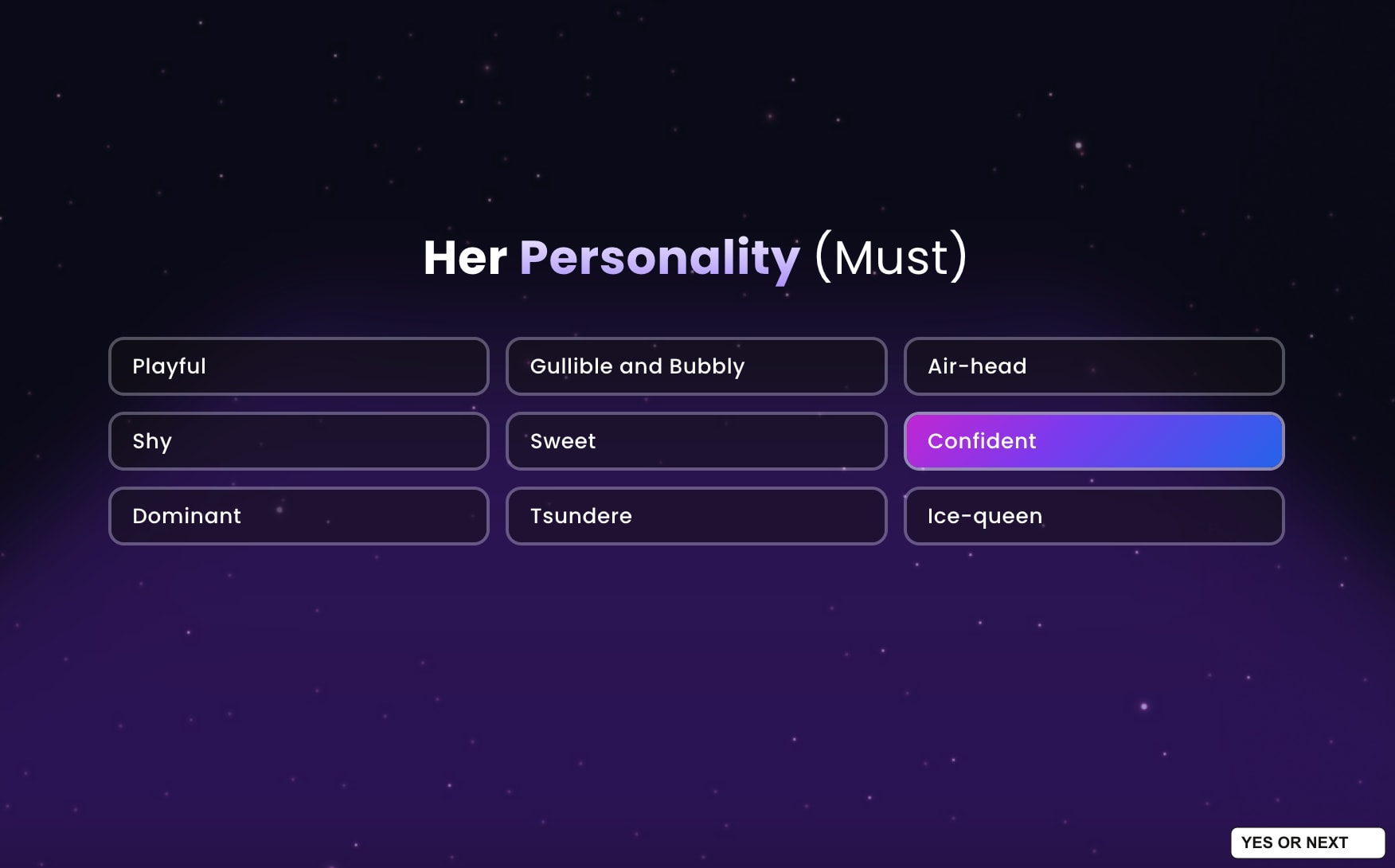
The personality screen is separate. I selected Confident; the other visible options include Playful, Shy, Sweet and Dominant. I like having those choices independent of appearance. A particular outfit or body type should not have to decide the character’s entire personality for me.
Then comes the fantasy that guides the roleplay. My screen offered Win Her Back, Enemies to Lovers, Hard to Get, Forbidden Fruit and She Chases You. I picked the last one. Together with the ex-girlfriend relationship, that gives the setup a direction I actually chose.
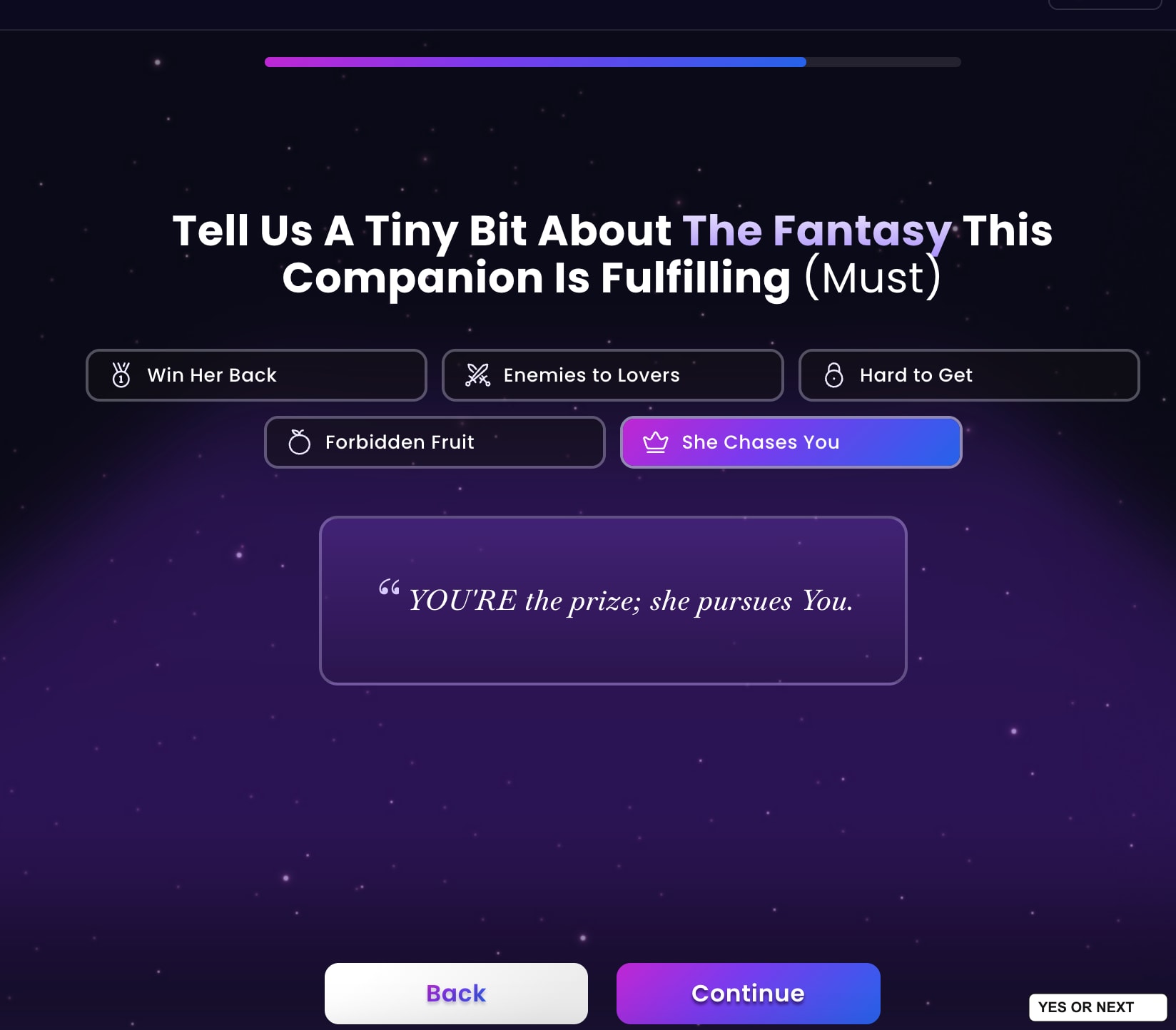
This was one of my favourite parts of the builder. It goes beyond choosing a face and hoping the chat matches what I had in mind. I could specify the kind of interaction I wanted.
Choosing her final look was the best part
At the end, Dreamz.ai generated three previews based on my choices and let me pick one. There was also a Regenerate control. I loved this step. After working through appearance menus, I want some say in the actual person-shaped result I will be looking at.
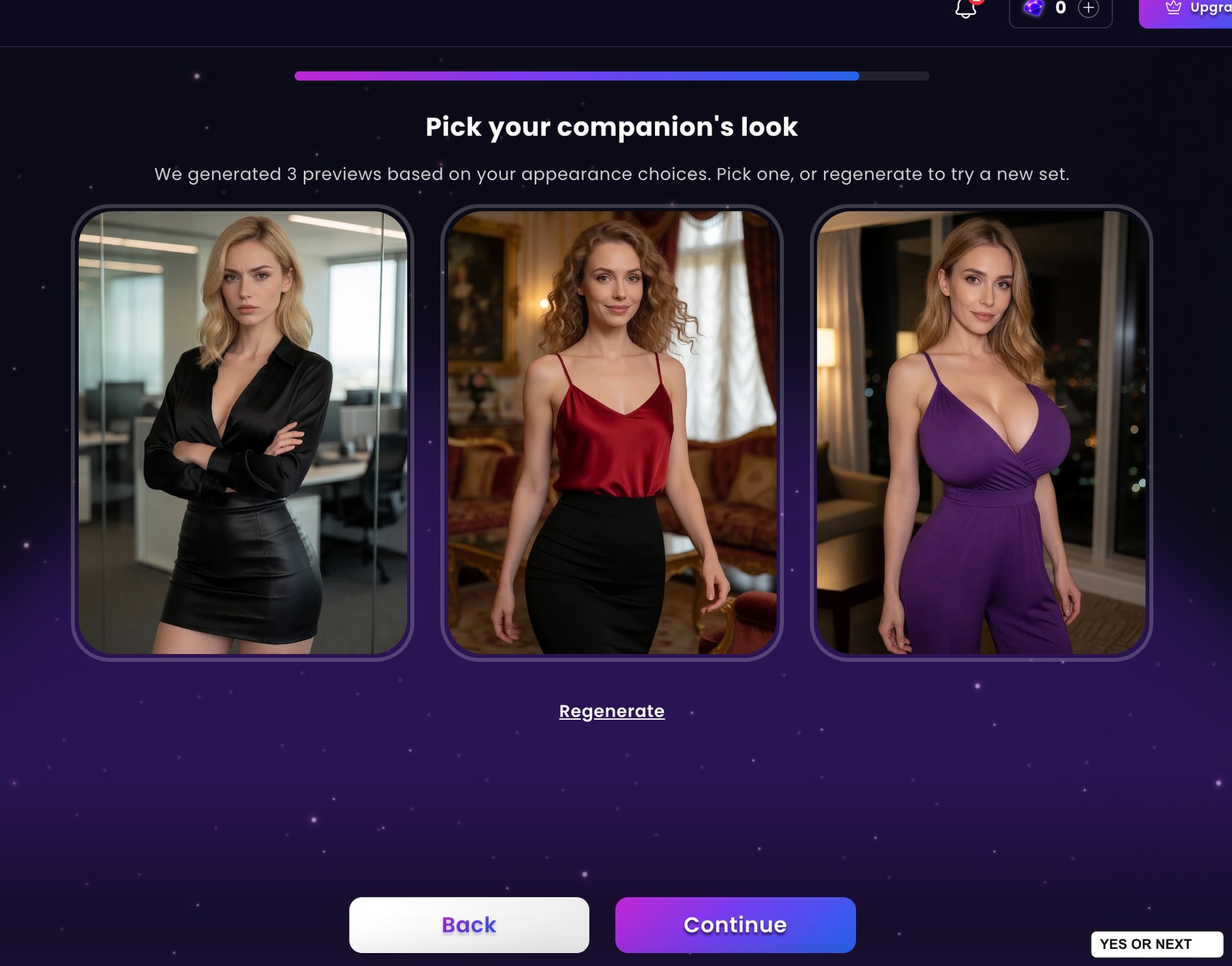
I think of the looks as classy, sporty or everyday styling, rather than three fixed mode names guaranteed by the interface. In this captured set, the outfits lean towards dressed-up and casual chic. My favourite was the black blouse and skirt in the office setting. That is the version I chose.
The result was Brooklyn Young, and I was very happy with her appearance. The summary combines her portrait with the selected age range and physical settings; below it, I could see the relationship and personality. It felt like a satisfying end to the creation flow.
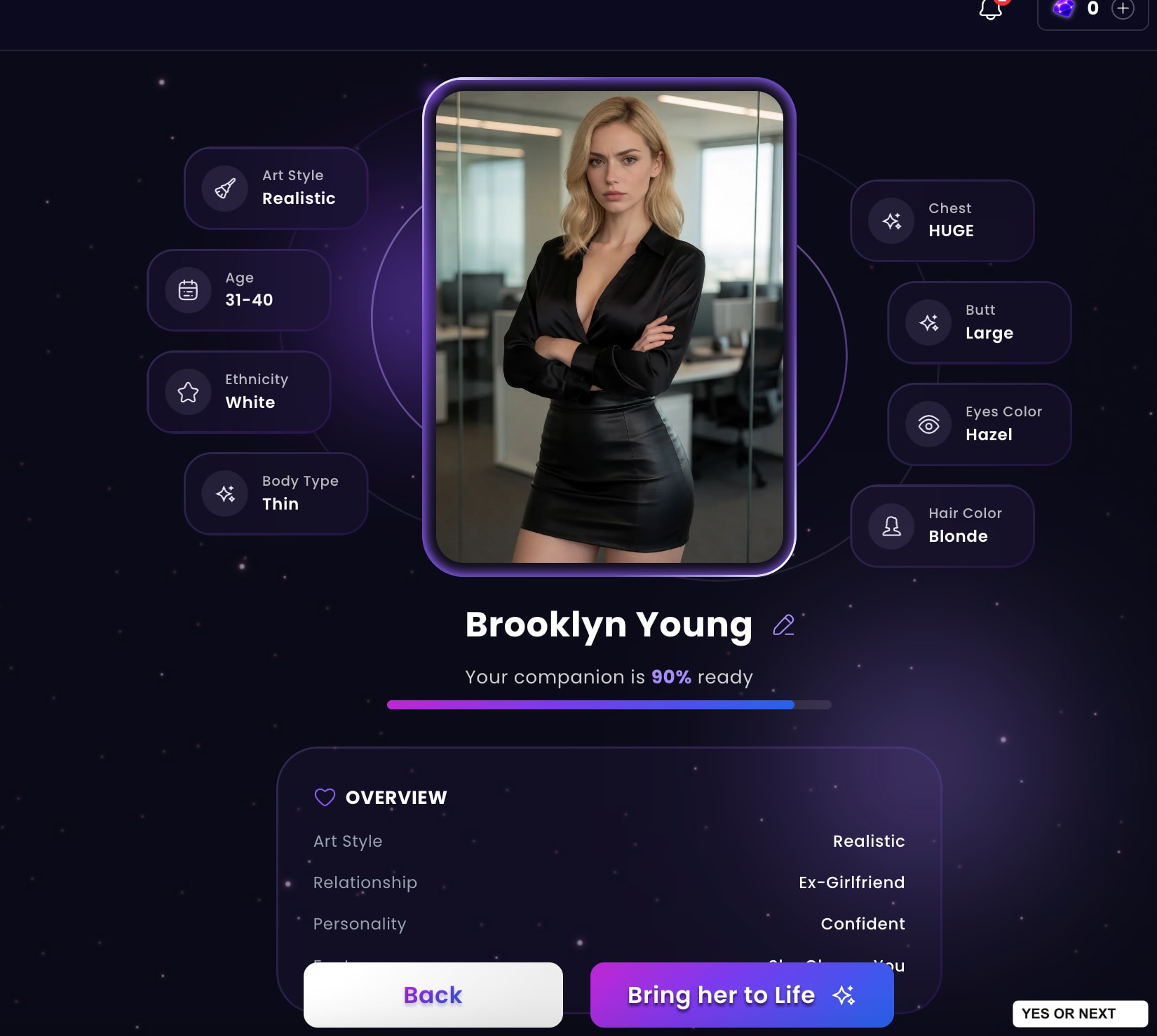
Brooklyn was shown as 90% ready, with a Bring her to Life button. Activating Brooklyn required a subscription, so I could judge her appearance and setup, but not how she behaved in conversation. I find that reasonable.
Subscription prices and the gem budget
Dreamz.ai’s official pricing page, checked November 2, 2026, lists the following USD plans. These are published offers, not a checkout or billing test I performed.
| Plan | Billed amount | Monthly gems |
|---|---|---|
| Monthly | $14.99 per month | 1,000 |
| Quarterly | $39.99 per three months | 1,250 |
| Annual | $99.99 per year | 1,500 |
The page advertises unlimited chat and memory, plus image and video features. Media still has a gem cost in my chat interface. Extra packs start at $9.99 for 1,000 gems. The distinction matters if photos, rather than conversation alone, are your main reason for subscribing. I have not verified long-term memory.
The official terms describe recurring fees, cancellation by notice or available account controls, and conditional withdrawal rights. Cancellation should not be read as an automatic refund. They also say conversations may be stored for performance and safety. The privacy policy lists marketing, targeted advertising and analytics among its data uses. I checked both on November 2, 2026; I did not test cancellation, refunds or account deletion.
My verdict: YES, 8/10
- My highlight: the quality of the character images and Brooklyn’s final appearance.
- The welcome difference: no unsolicited explicit videos during my visit.
- The best creation choices: the starting relationship, roleplay fantasy and three final previews.
- My chat caveat: scene narration is part of the experience, even though I liked it here.
- The spending limit: activating my custom companion required a subscription, and media uses gems.
For other takes on visual AI companions, read my Candy AI, Secrets AI and Lovescape AI reviews. Those are useful comparisons if you want to weigh the character creation, conversation style and media experience before choosing.
Dreamz.ai gets a YES and 8/10 from me. The interface is simple, the images impressed me, and the creation flow gave me choices I cared about. Abigail held my attention, and Brooklyn made me want to see what came next. For an adult AI companion site, I found the whole presentation unusually classy.
Tried it? Vote Yes or Next and tell me What did you like? I review community feedback every month and may adjust my personal score using those trends and my editorial judgement. Votes never change the score or ranking automatically. I test. You test. We choose.
Based on my November 2, 2026 notes and thirteen screenshots. See how I test and the affiliate disclosure.
Your call
Tried it yourself? share your take.
I've made my call. If you've used this app too, make yours: Yes or Next. I read every vote and use that feedback when I revisit my reviews, scores and ranking.
How I use your vote
I review the Yes and Next votes together with the topics readers liked. They do not move an app automatically. When that feedback gives me a reason to retest, I update the review, score and ranking myself.
Yes — I’ve used it
You've tried it — good. Now make the call: Yes or Next, then tell me what actually worked.
Your take
What did you like?
Pick only the parts you actually used and liked. I read these topic votes too: they show me what worked, and I take them into account when I revisit the app.