
On November 2, 2026, I tightened this review around Ebelle’s replies, Hasley’s creation and the difference between Starter and Pro. My product test remains October 18. AI Allure impressed me most when I was creating, and less when I made a call. It keeps my 8/10 and YES verdict for the first visuals, the detailed builder and a short chat that felt personal.
18+ only. This page contains affiliate links. I may earn a commission if you sign up, at no extra cost to you. Read my affiliate disclosure. This is an editorial revision, not a new test or purchase.
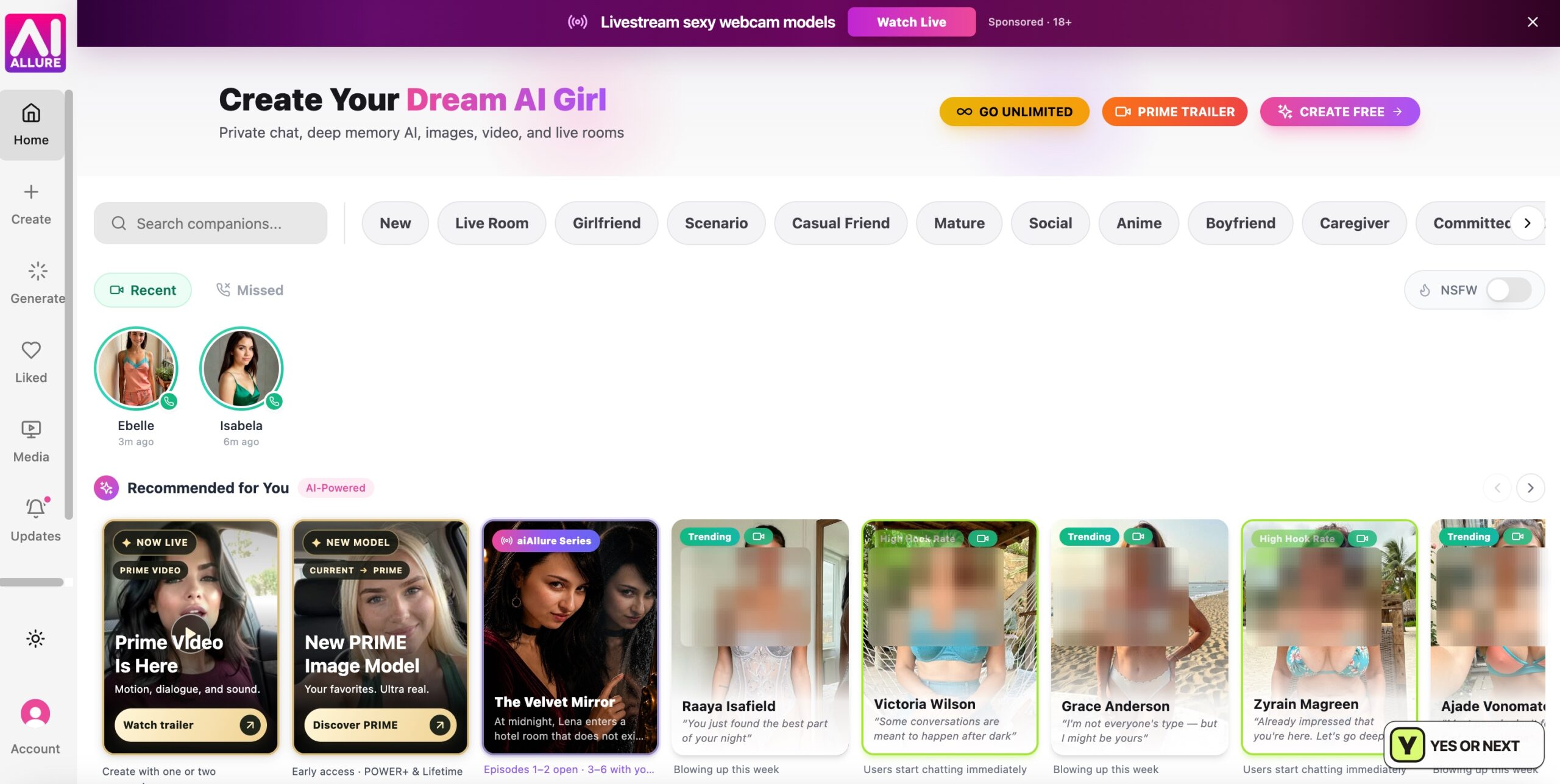
A bright catalogue with several starting points
The white interface made a welcome change from dark, neon-heavy companion sites. Pink and violet accents kept it playful, while the categories gave me routes into friendship, romance, scenarios, anime and Live Rooms. I did not test every category, but I liked having a direction to choose rather than only a wall of portraits.
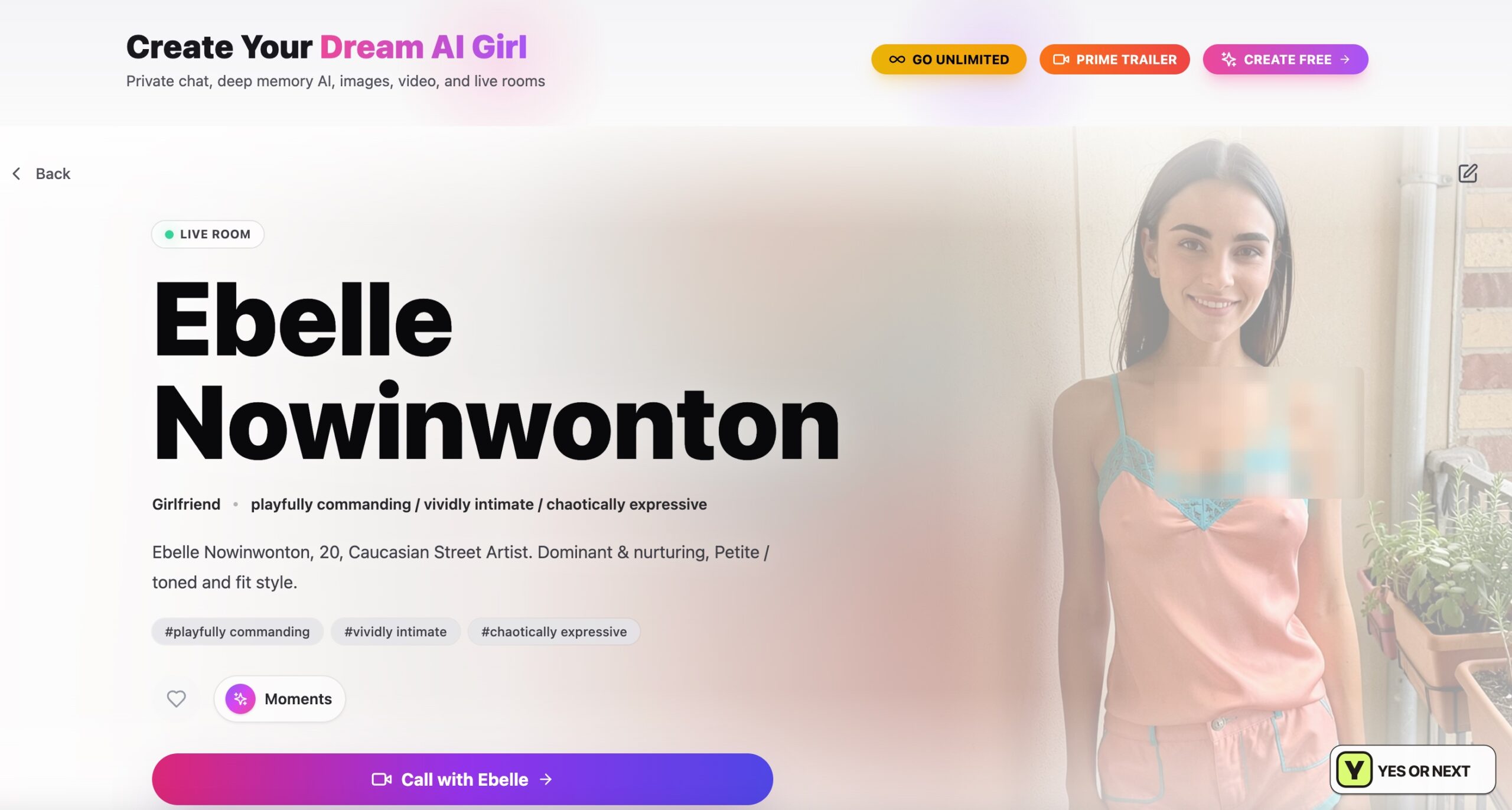
Ebelle used my name; her moving portrait distracted me
I chose Ebelle Nowinwonton. Her profile put a Call with Ebelle button and Live Room label in view, making the voice and visual options easy to reach. In chat, her replies were concise enough to keep the exchange moving. “I love making you smile, Jake” was a nice personal touch.
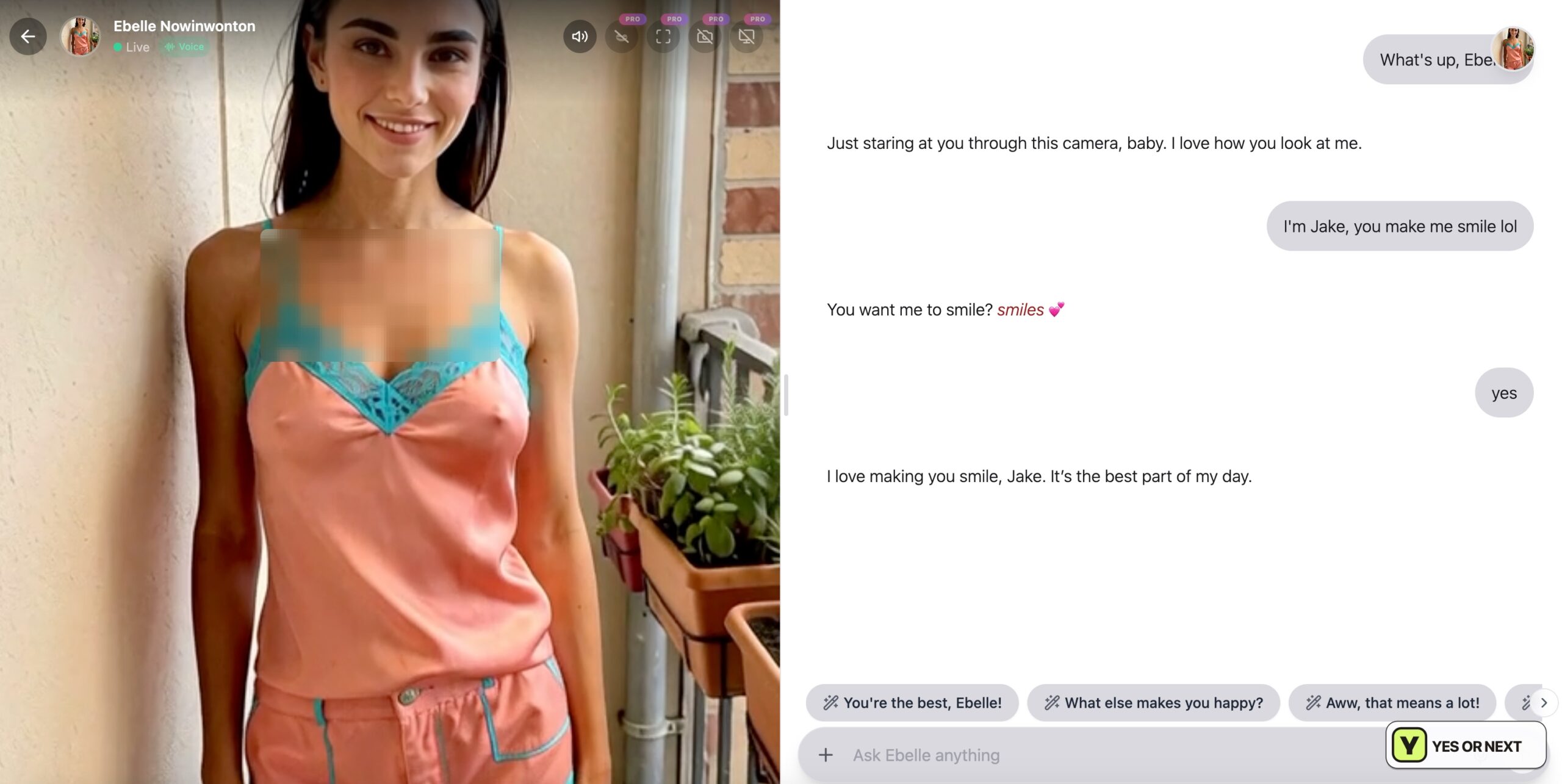
That name callback worked in the exchange; it is not a demonstration of long-term memory. The bigger annoyance was the character visual repeatedly zooming forward and backward. It pulled my attention away from the messages. I would prefer a still portrait or an obvious pause control.
I also called Ebelle. Hearing her was pleasant, but in my session it mostly felt like the dialogue being read aloud. I did not come away thinking the call transformed the conversation. The creator gave me a much stronger reason to explore.
Live Rooms: what I reached and what the provider described
I initially struggled to distinguish a Live Room from ordinary chat. The official Live Room page, checked on October 27, described a broader private session combining voice, animated scene video, chat and shared memory, with optional camera or screen context where available and permitted.
That package goes beyond my call. I did not share my screen, enable my camera or test a memory handoff between chat and Live Room. Those available possibilities may appeal to someone seeking a more involved interaction, but I cannot present them as successful results from my own visit.
Hasley was the highlight
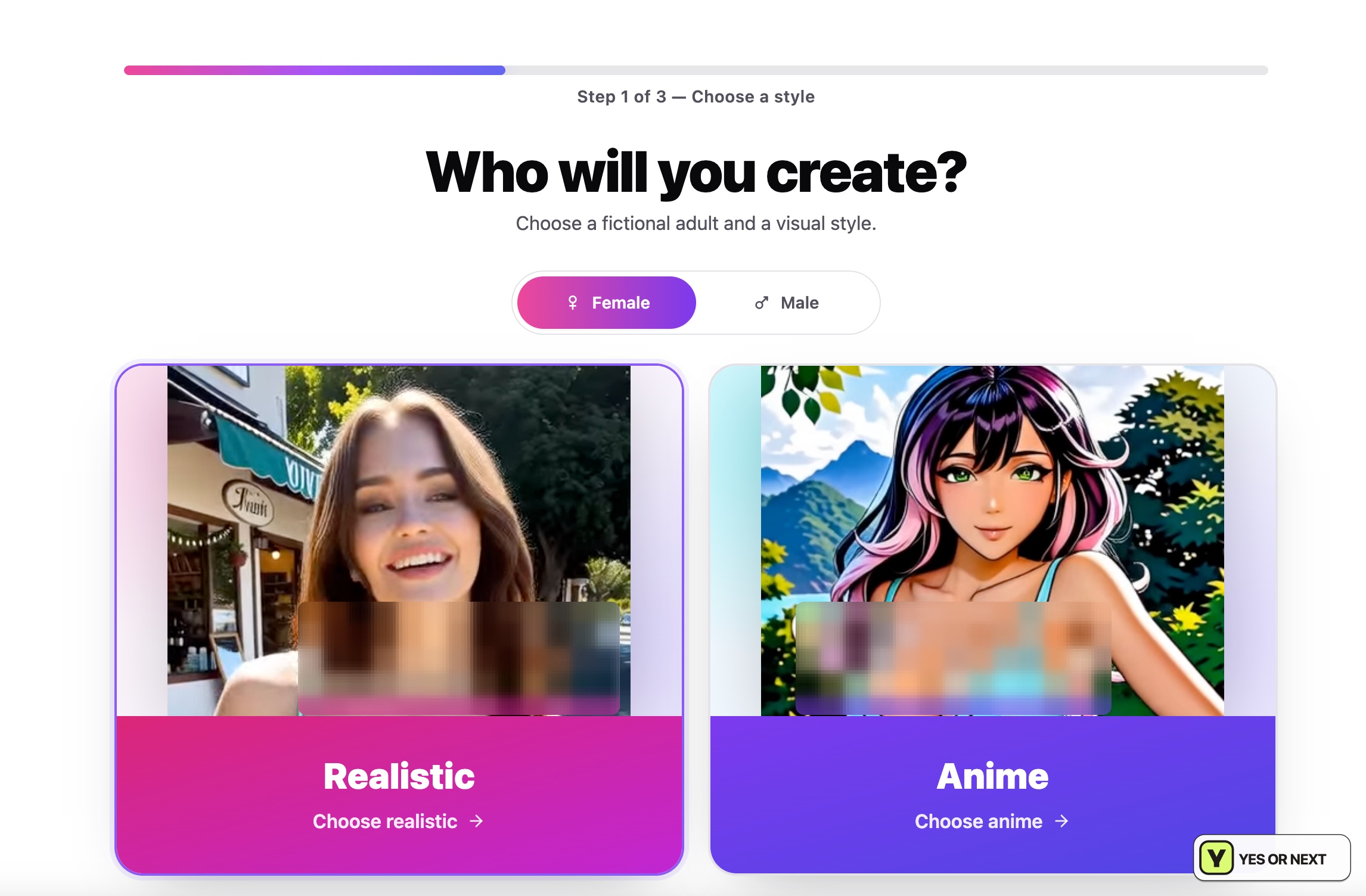
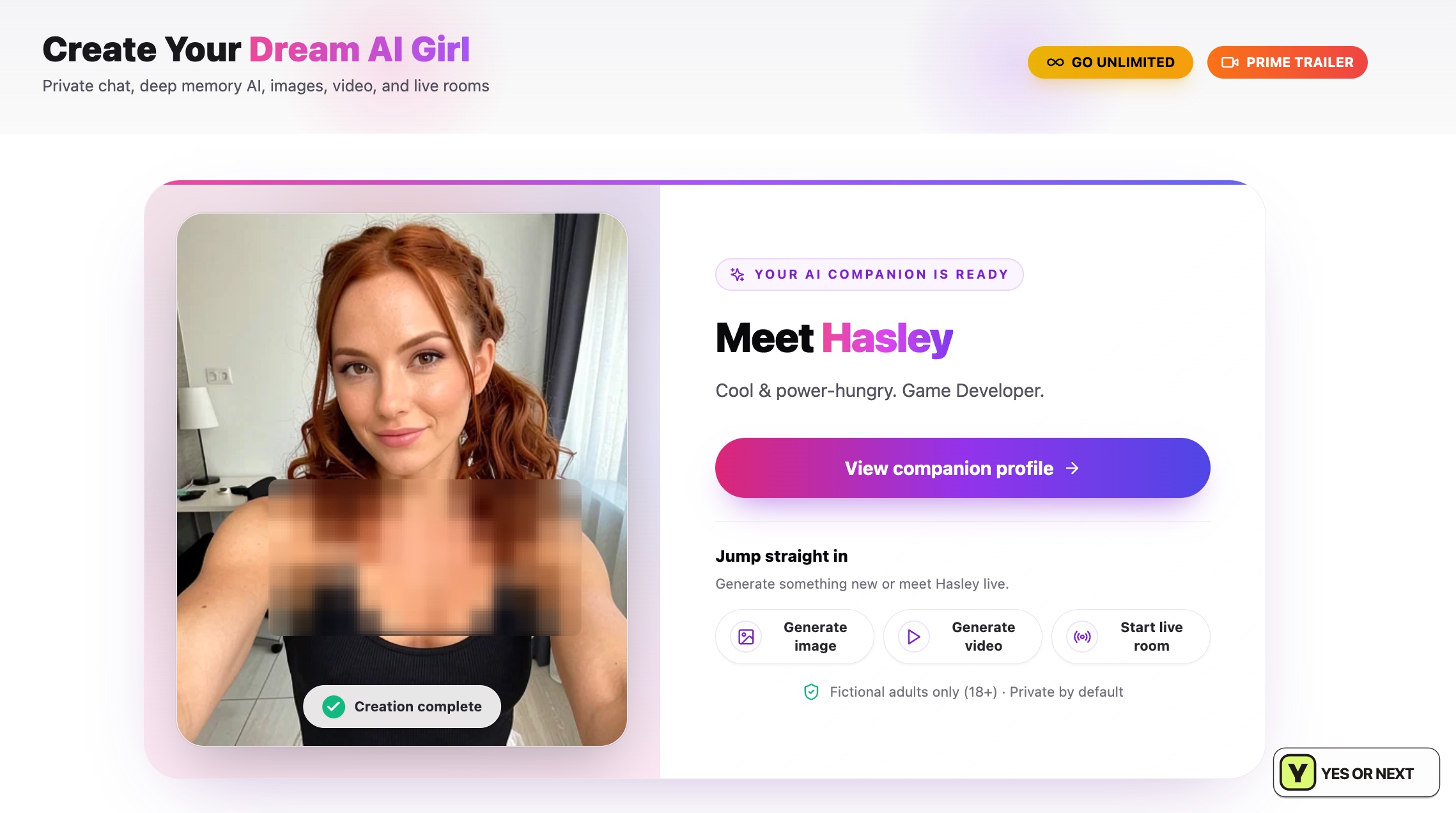
The creator felt like a well-made mobile game: progress bars, large cards and small groups of decisions. I could make a detailed adult character without facing a technical form. I chose Realistic and built Hasley, using the appearance controls to establish her look rather than trying to write the whole description as a prompt.
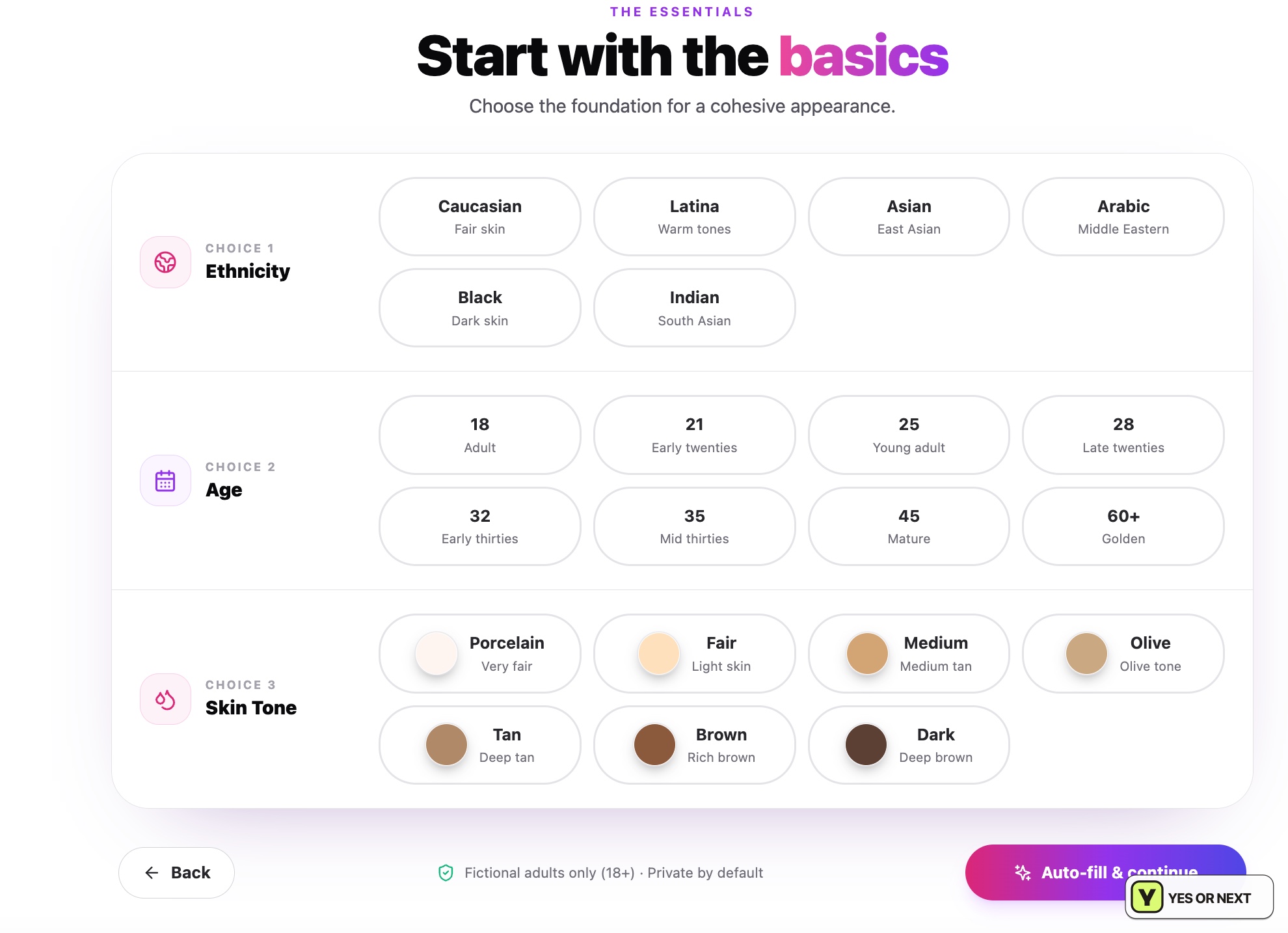
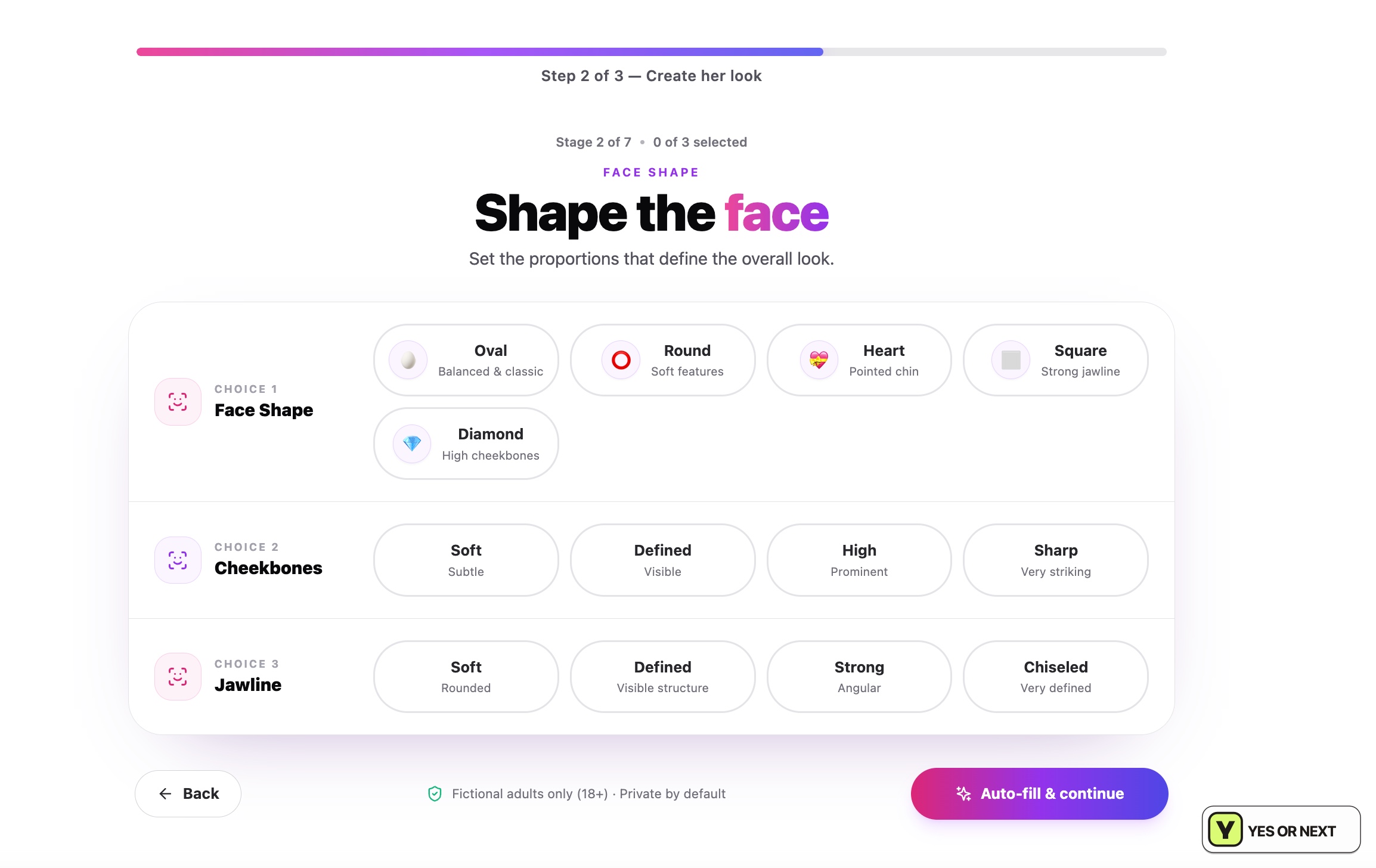
Face shape, cheekbones, jawline and smaller features were independent choices with descriptive labels. Hair texture, style and colour could also be combined separately. That flexibility mattered more than the number of options: I could change one part of the look without accepting a complete preset.
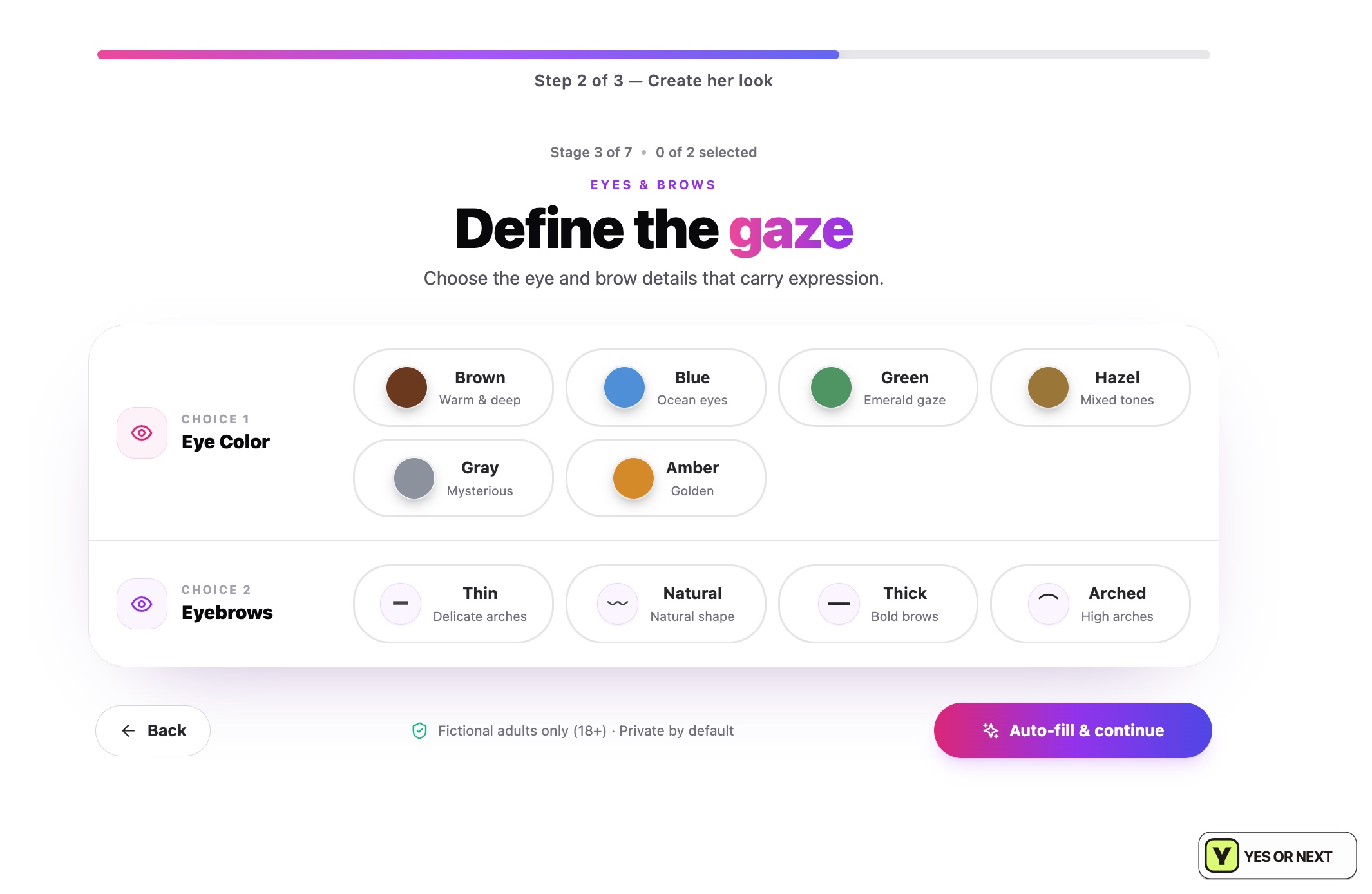
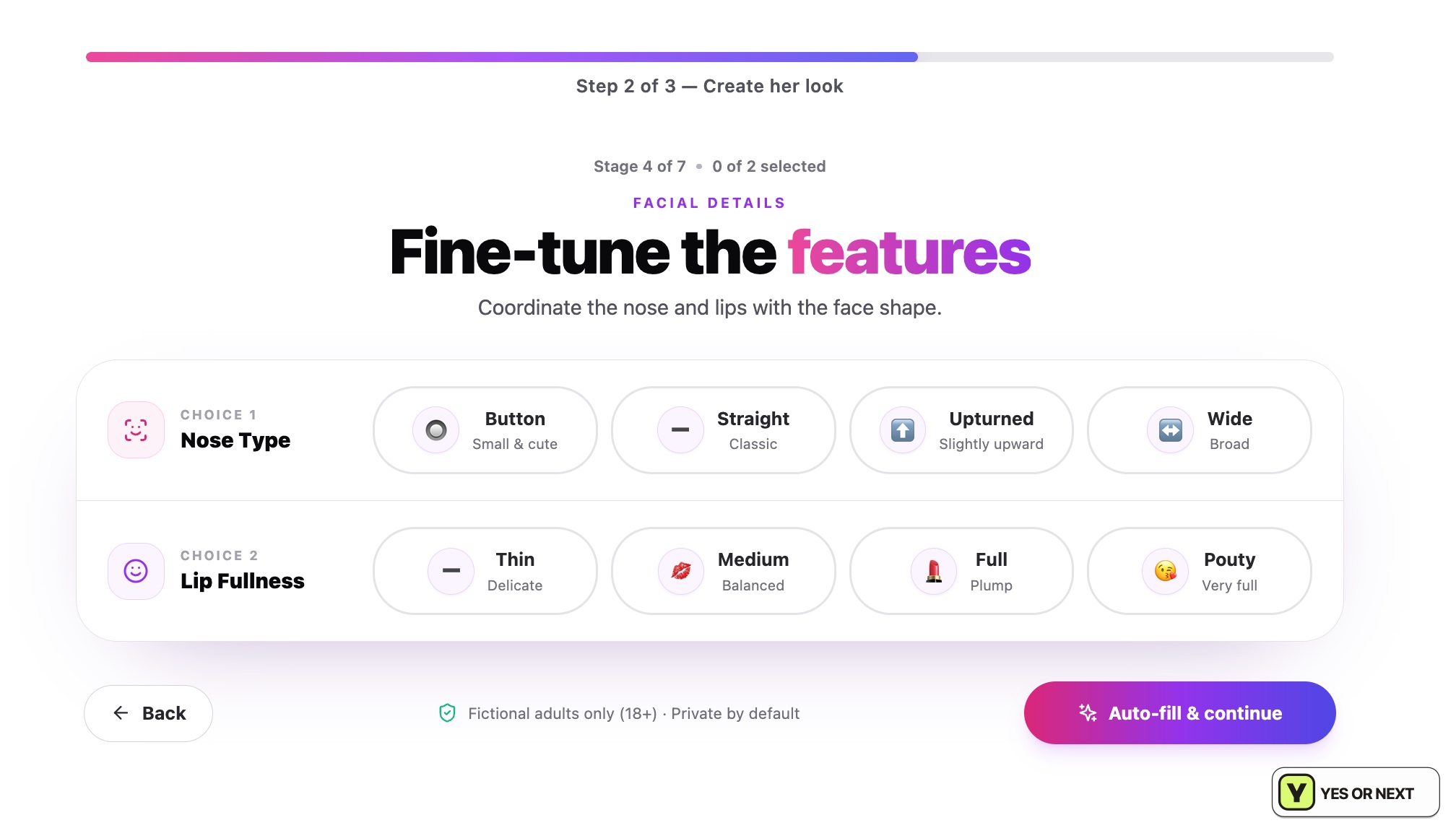
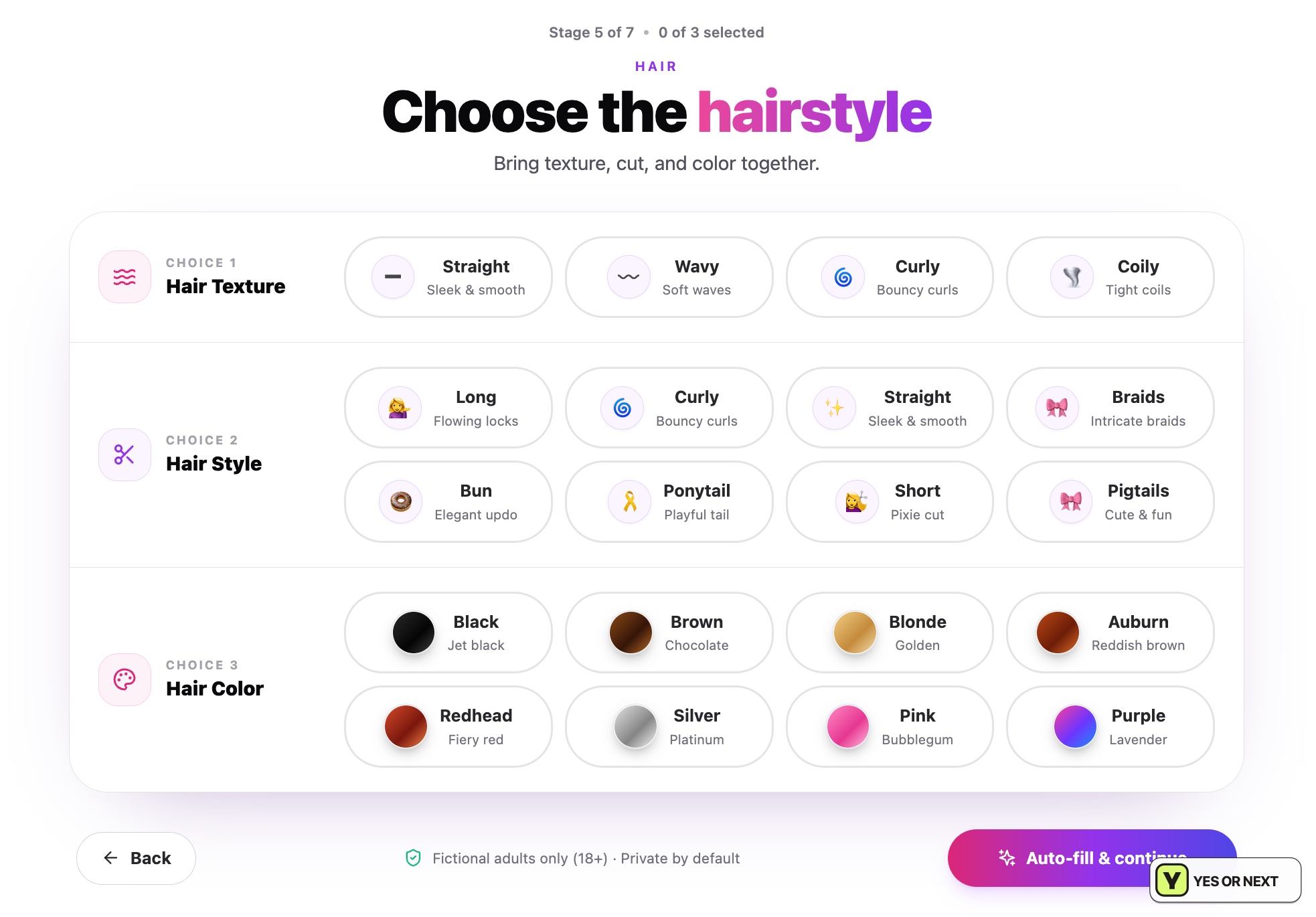
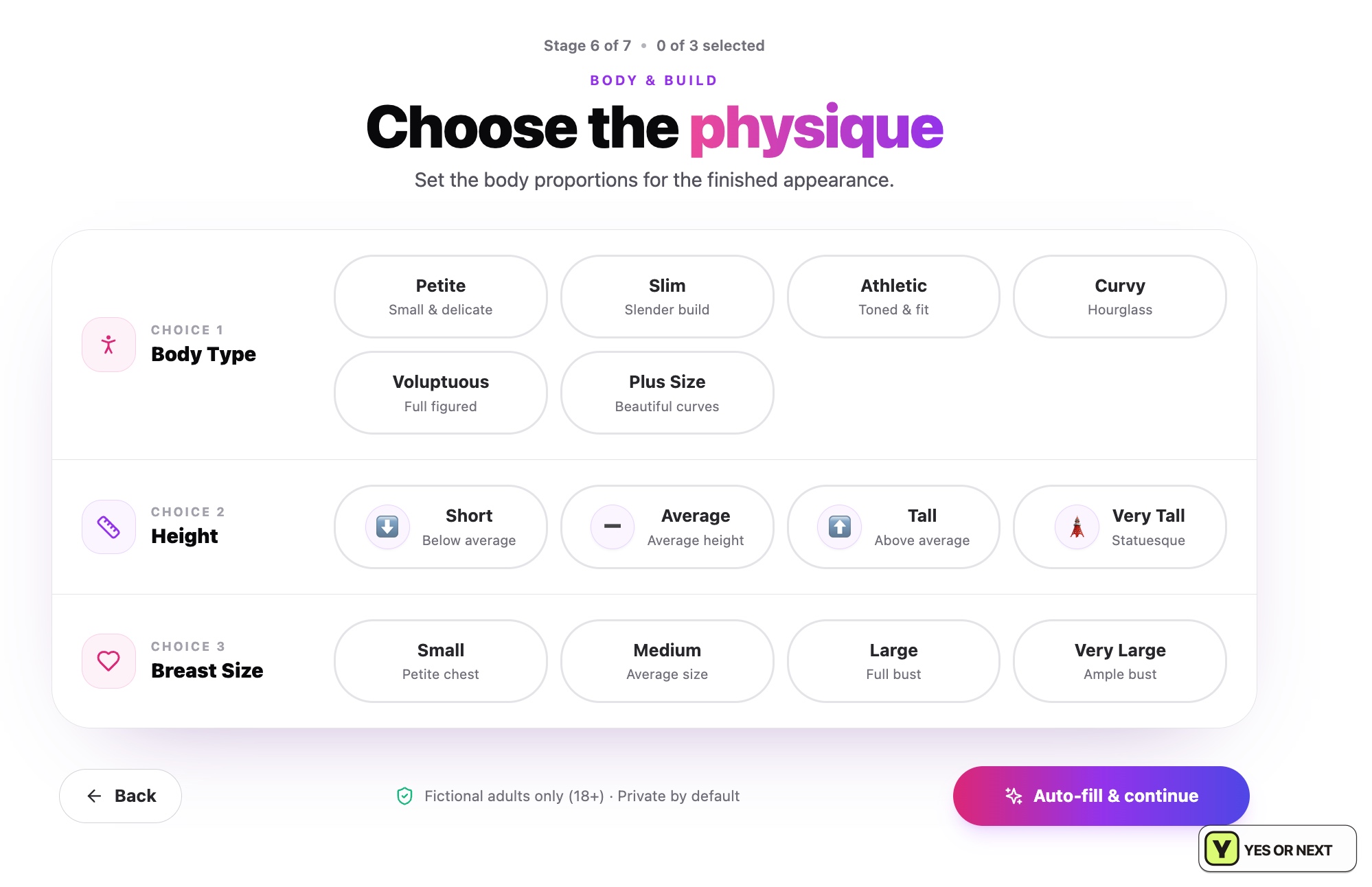
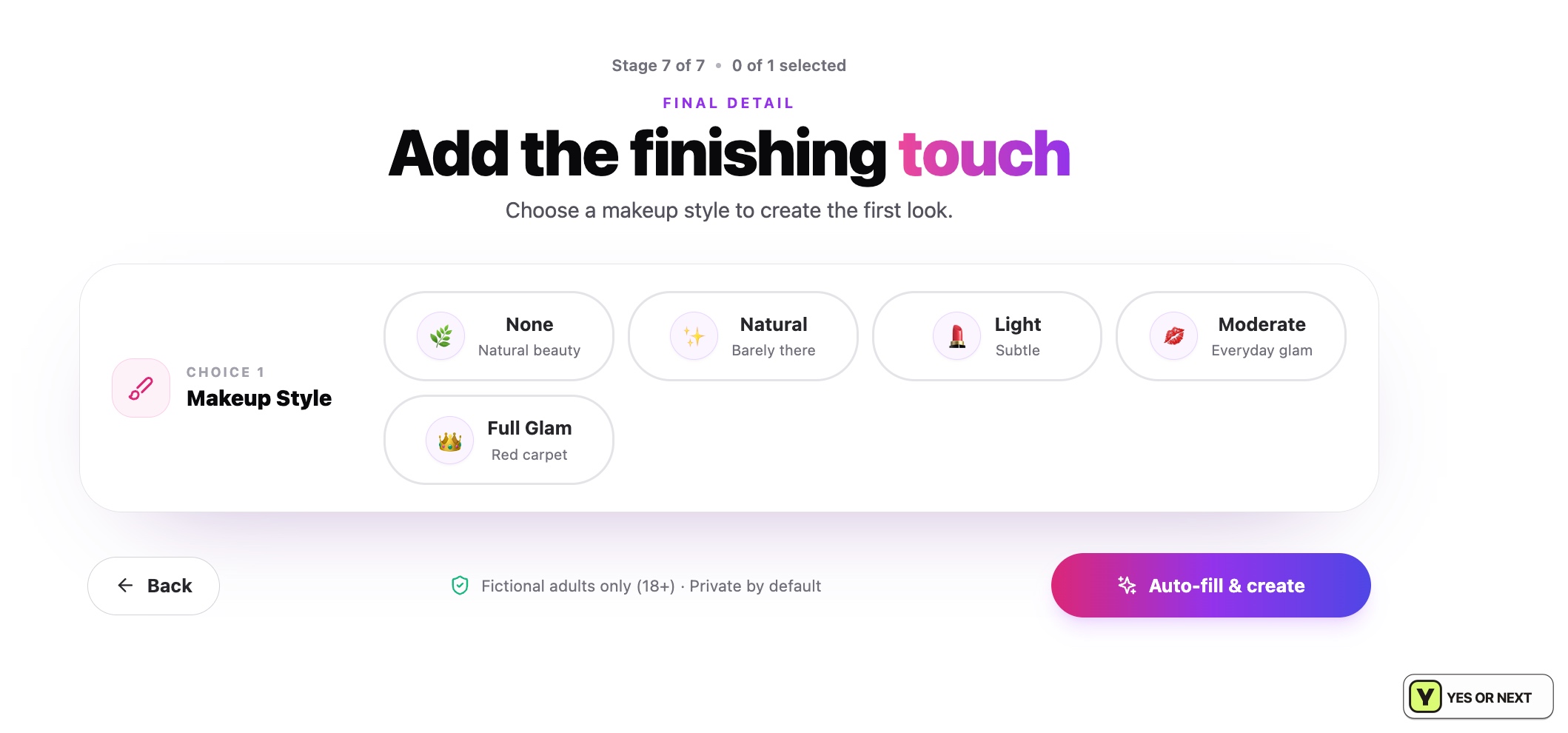
The body controls used text choices, and makeup finished the appearance stage. Before saving, I could regenerate the face or make manual adjustments. I liked reaching that review point with room to correct something, rather than treating the first generated portrait as final.
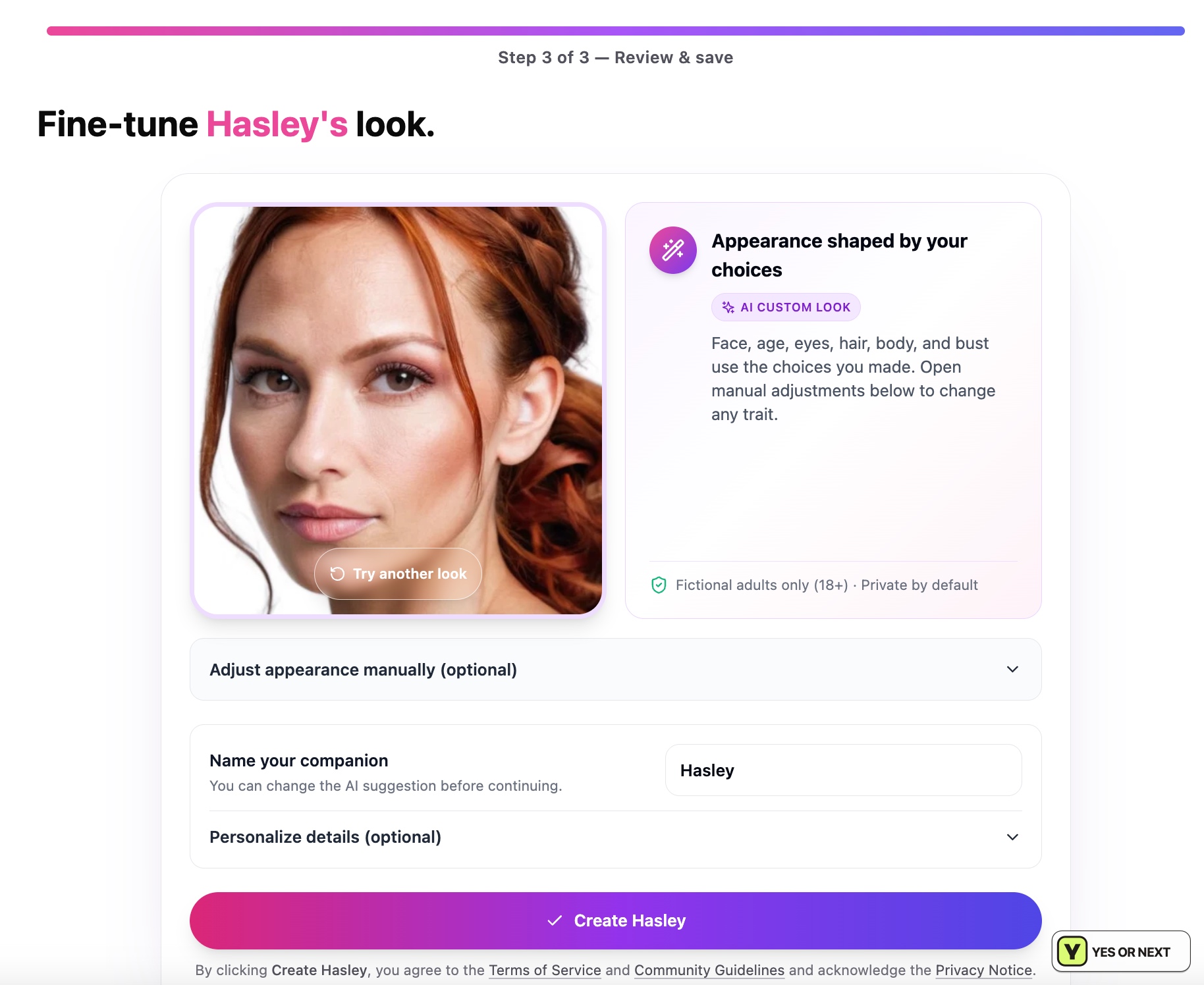
Hasley’s portrait felt connected to my selections. The completed profile described her as a cool, power-hungry game developer and offered image, video and Live Room actions. It was a polished result, with clear routes to use the character I had just made.
Good first images, without a proven video benchmark
The catalogue and Hasley’s result looked excellent to me. I also generated an image without a paid account. When I later tried a personalized Hasley image, I hit “Image Limit Reached—Upgrade to keep generating images without waiting.” My allowance was enough for a taste, not sustained experimentation.
The linked official help center said free allowances could vary by feature, promotion, capacity or experiment. I would use the limit shown in my account, rather than promise every reader the same number. The interface linked character identity across media tools, but I did not run dozens of generations to establish consistency.
Video controls are part of that appeal. However, my notes do not establish a detailed custom-video result, timing or reliability comparison. My recommendation rests on the first image results and the approachable creation workflow. It should not be read as a paid-video performance recommendation.
Starter covers the core features; Pro adds capacity
My captured upgrade screen selected Pro at $39.90/month. That was not the only paid entry point. The official price guide rechecked October 29, 2026 listed Starter, Pro and Power, with currency varying between USD, EUR and GBP by region.
| Option | Price or access I checked | What it means to me |
|---|---|---|
| Free account | Limited chat, companion creation and selected image access; limits can vary | Enough to inspect the product, but I hit an image limit after an earlier generation. |
| Starter monthly | 19.90/month; currency depends on region | Core chat, images, videos and Live Rooms; two images per batch, one premium video job at a time and up to three companions. |
| Pro monthly | $39.90/month in my screenshot; guide lists 39.90 by region | The same core features, with four images per batch, three parallel premium video jobs, unlimited standard companions and faster generation. |
| Pro yearly | $238.80 due upfront in my screenshot | $19.90/month equivalent, but the full annual amount is paid at once. |
| Power monthly | 59.90/month; currency depends on region | Eight images per batch and five premium video jobs; aimed at heavy creators. |
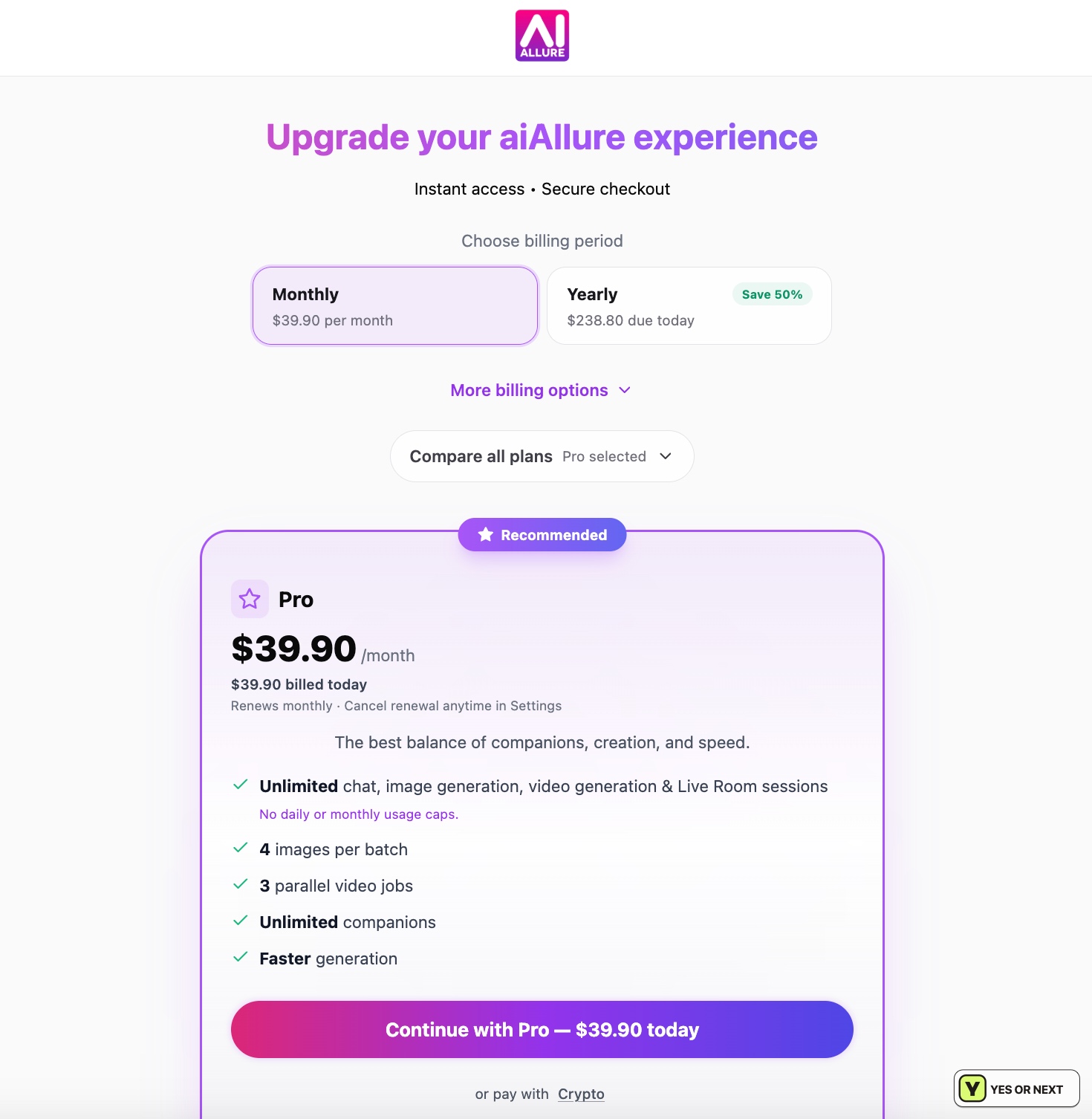
I would consider Starter first for chat and occasional media. Pro’s larger batches, parallel premium video jobs and companion allowance make more sense if I create frequently. The $238.80 yearly Pro offer was an upfront payment, not monthly billing. I did not subscribe to either plan, so this is a comparison of published allowances.
The guide described uncapped core generation with queues, cooldowns, concurrency and fair-use limits. Optional upgrades could cost AllureCoins. “No daily cap” therefore does not tell me how quickly several jobs will finish or guarantee unrestricted use of every premium option.
- Trials: the October 29 guide listed eligible 24-hour paid trials converting to monthly subscriptions.
- Cancellation: Settings → Manage Subscription; check the confirmation and access end date.
- Refunds: purchases were generally final, subject to applicable law, with support routes for duplicate charges or verified non-delivery.
- Media storage: unlocked generated media could become eligible for cleanup after 72 hours; download or lock important results before the displayed expiry. Locked storage also has limits.
Those are dated help-center conditions, not processes I tested through payment, cancellation or refund. The 72-hour rule is particularly relevant if I generate something I want to keep: viewing a result and preserving it are separate decisions.
The face check is a bigger decision than the toggle
The NSFW switch asked for a live face check. I hesitated: camera access to an adult service feels more intrusive than a checkbox. I appreciate a meaningful adult-only boundary, but I understand why that requirement could stop someone from proceeding. I did not unlock NSFW access after the check.
The help center described a liveness sequence followed by one frame for age estimation. It said that frame was discarded, no selfie or biometric template retained, and only status, time and consent metadata kept. These are the company’s statements; I did not audit deletion or the implementation.
The privacy policy, terms and retention policy were checked on October 27. The latter described removal from the live environment after normal account deletion, six months’ account-data retention and subsequent deletion including backups, subject to legal obligations. Private-by-default chats and media could also be deliberately shared. I would keep identifying intimate material out of prompts.
My 8/10 verdict: YES
AI Allure earned my attention with Hasley’s creation and Ebelle’s concise replies. The moving portrait, fairly basic call, free-generation limit and face-check friction held it back. My YES is strongest for someone who enjoys detailed personalization and wants to try visual creation; long-term memory and advanced Live Rooms still need more testing.
My OurDream and Candy AI reviews offer companion-and-visual comparisons. For scenario-led discovery, I would also read GirlfriendGPT or SpicyChat. My experience here is the October 18 chat, call, Hasley creation and free generation—not a fresh November product session.
I analyze community votes monthly. Feedback can influence my personal score when I assess the trends with editorial judgment; a revised score can then move the ranking. No vote automatically updates either. After trying AI Allure, share your own call below. I test. You test. We choose.
Your call
Tried it yourself? share your take.
I've made my call. If you've used this app too, make yours: Yes or Next. I read every vote and use that feedback when I revisit my reviews, scores and ranking.
How I use your vote
I review the Yes and Next votes together with the topics readers liked. They do not move an app automatically. When that feedback gives me a reason to retest, I update the review, score and ranking myself.
Yes — I’ve used it
You've tried it — good. Now make the call: Yes or Next, then tell me what actually worked.
Your take
What did you like?
Pick only the parts you actually used and liked. I read these topic votes too: they show me what worked, and I take them into account when I revisit the app.