When I opened Heraheaven, I thought of Kupid AI. A handful of tabs, a grid of characters, and that early AI girlfriend feel. Then the photos and video previews got my attention. The characters had distinct looks, and the little lines beneath their portraits gave me a reason to open a profile.
I used a free account for my November 16, 2026 test. I started with Catalina, whose profile lets you choose between Romance and Erotica scenes. Then I tried the image generator and built a realistic companion of my own. It was easy to get started. I had less fun once the conversation got going. My verdict is NEXT, 6.5/10.
This page contains affiliate links. I may earn a commission if you sign up, at no extra cost to you. This review is for adults aged 18 and over.
The character cards tell you why to click
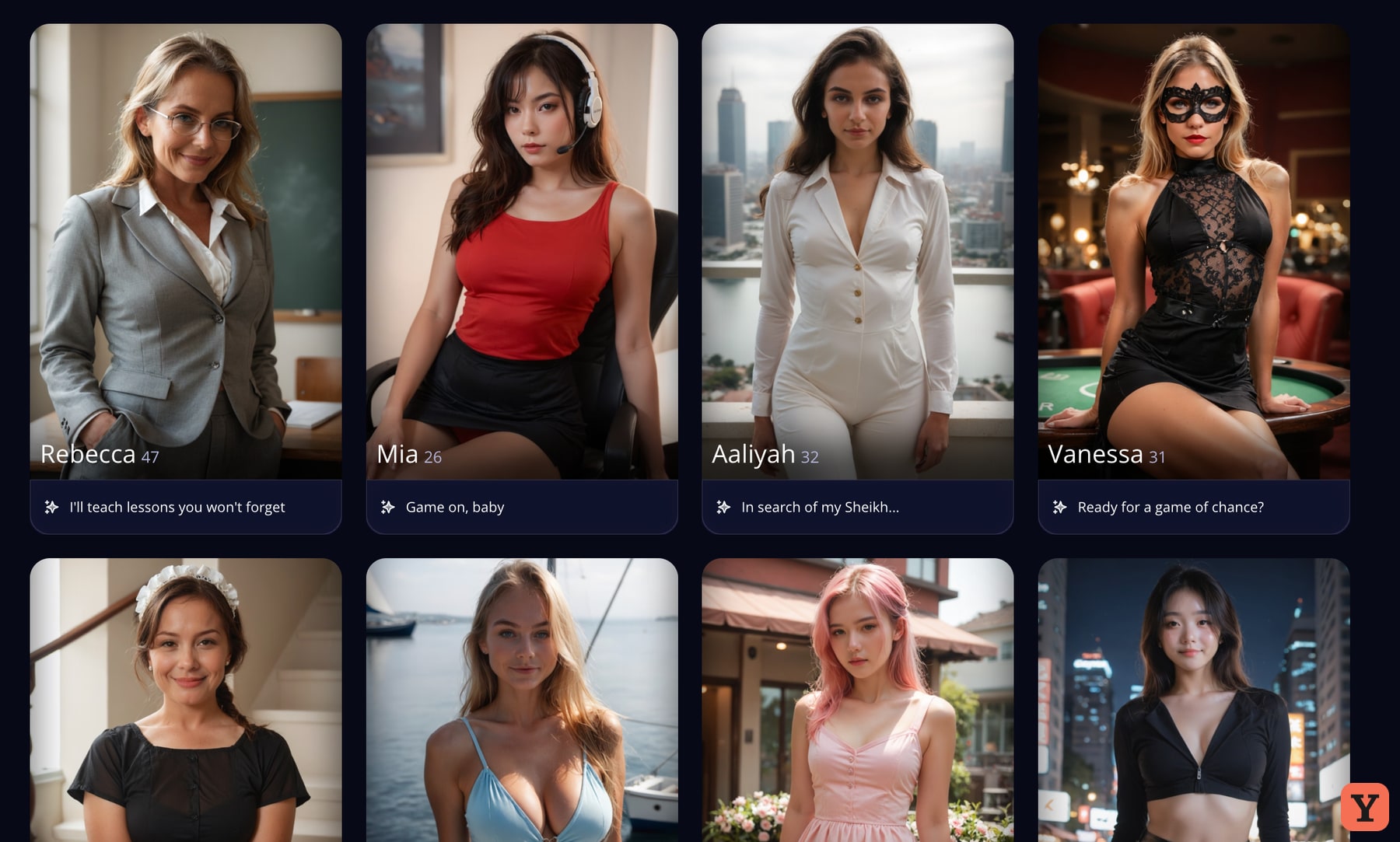
The homepage is simple enough that I knew how to use it almost immediately. Explore is a grid of characters, and the generator and chat sit one click away. I had fewer ways to browse than I’m used to, which made Heraheaven feel small. The grid itself had range. Some shots looked like stills from a scene and others had the polish of a fashion shoot. The video previews kept me looking long enough to see what else was in the feed.
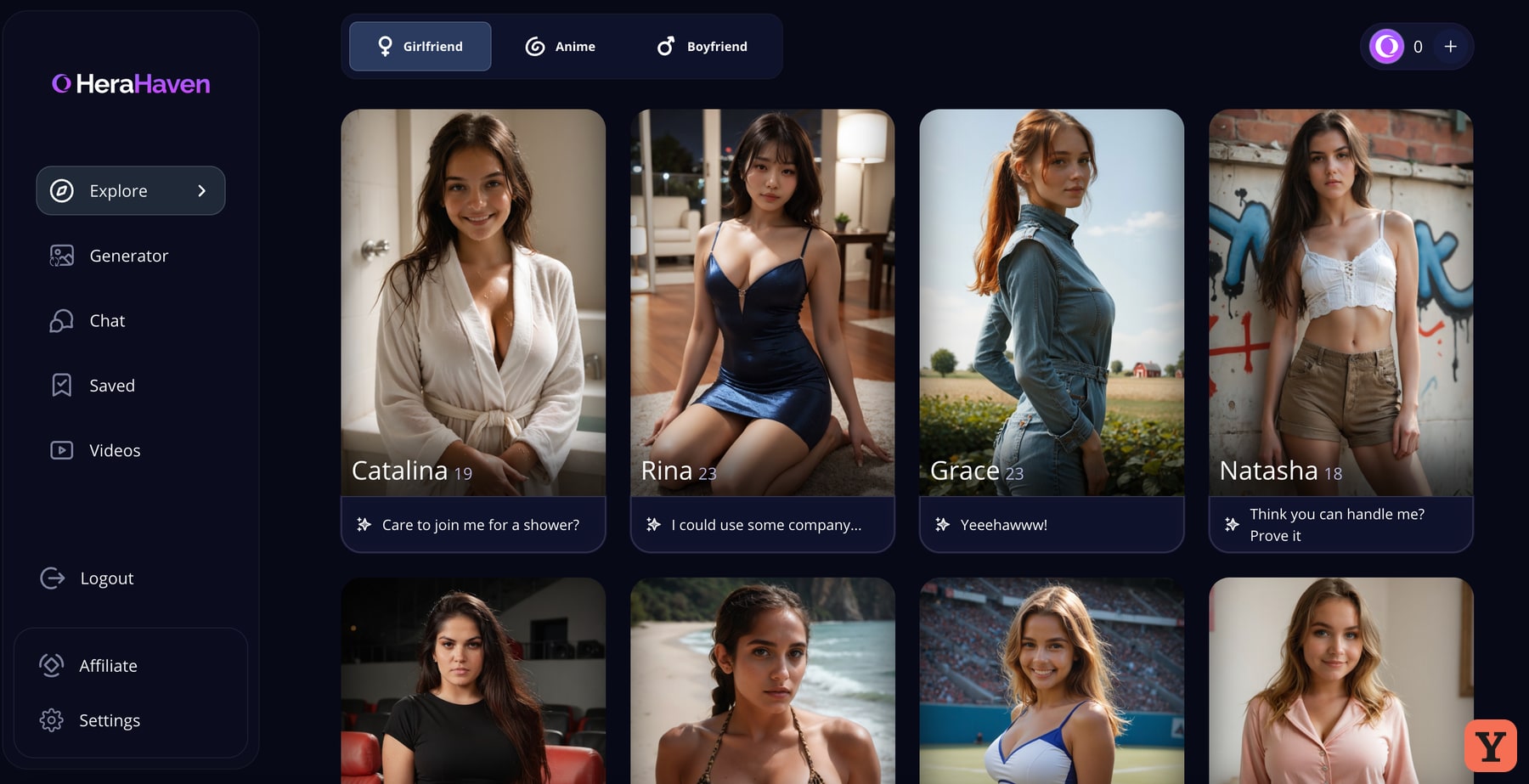
Catalina’s card starts with “Care to join me for a shower?” I like knowing the setup before I open a chat. On a browse page full of attractive portraits, that line did more to help me choose than a personality tag would have. It gives me something I can answer. I also liked that other cards pitch different moods in the same small space. You can scan the images first, then read the hook on the person who catches your eye.
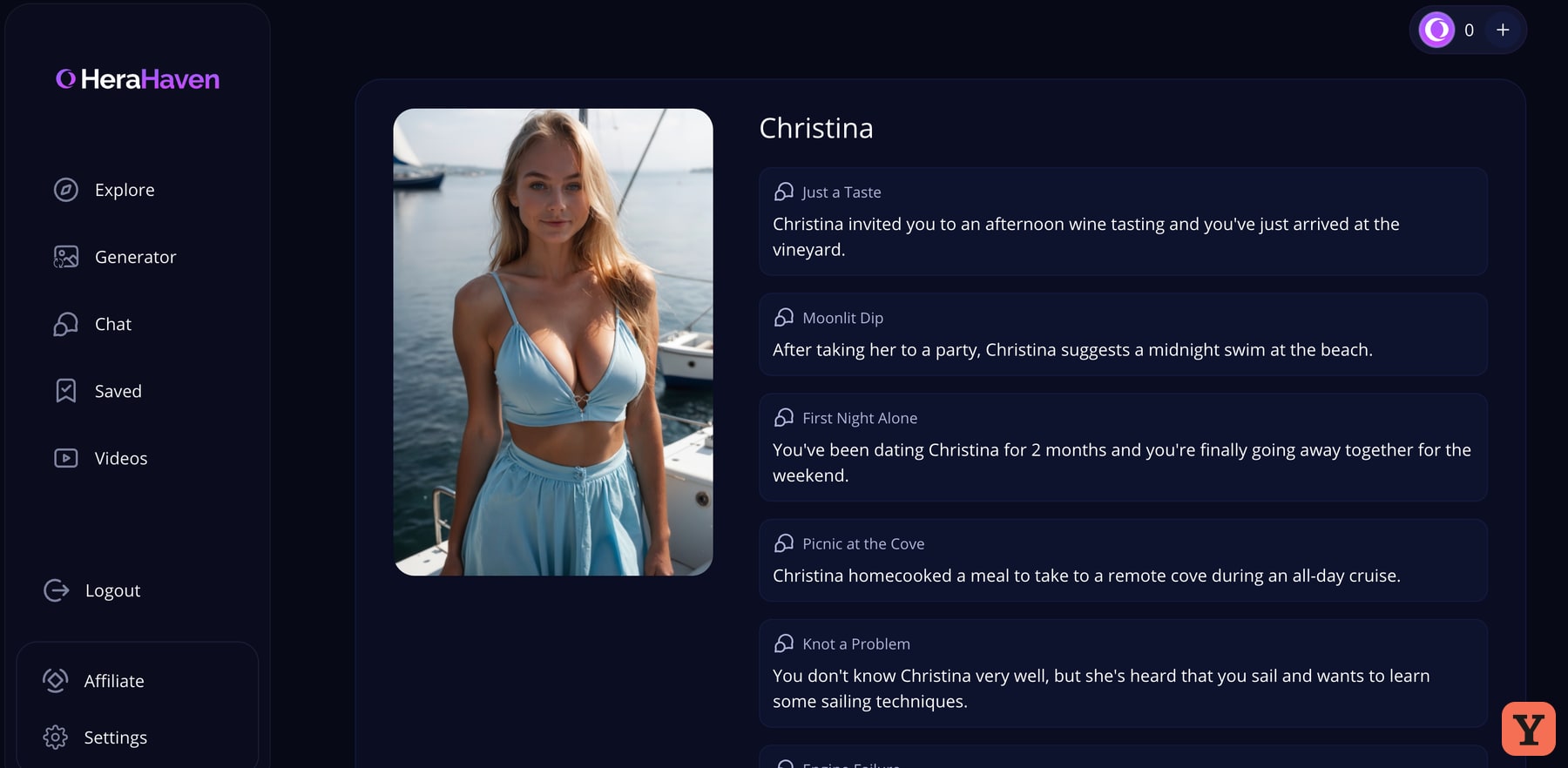
Christina, in a blue outfit by the water, was the visual that got me to open a second profile. Her Romance list started with an afternoon at a vineyard, and further down there was a midnight swim. Both are scenes I could picture before sending a message. I stopped at her profile, so my impressions of the actual replies come from Catalina.
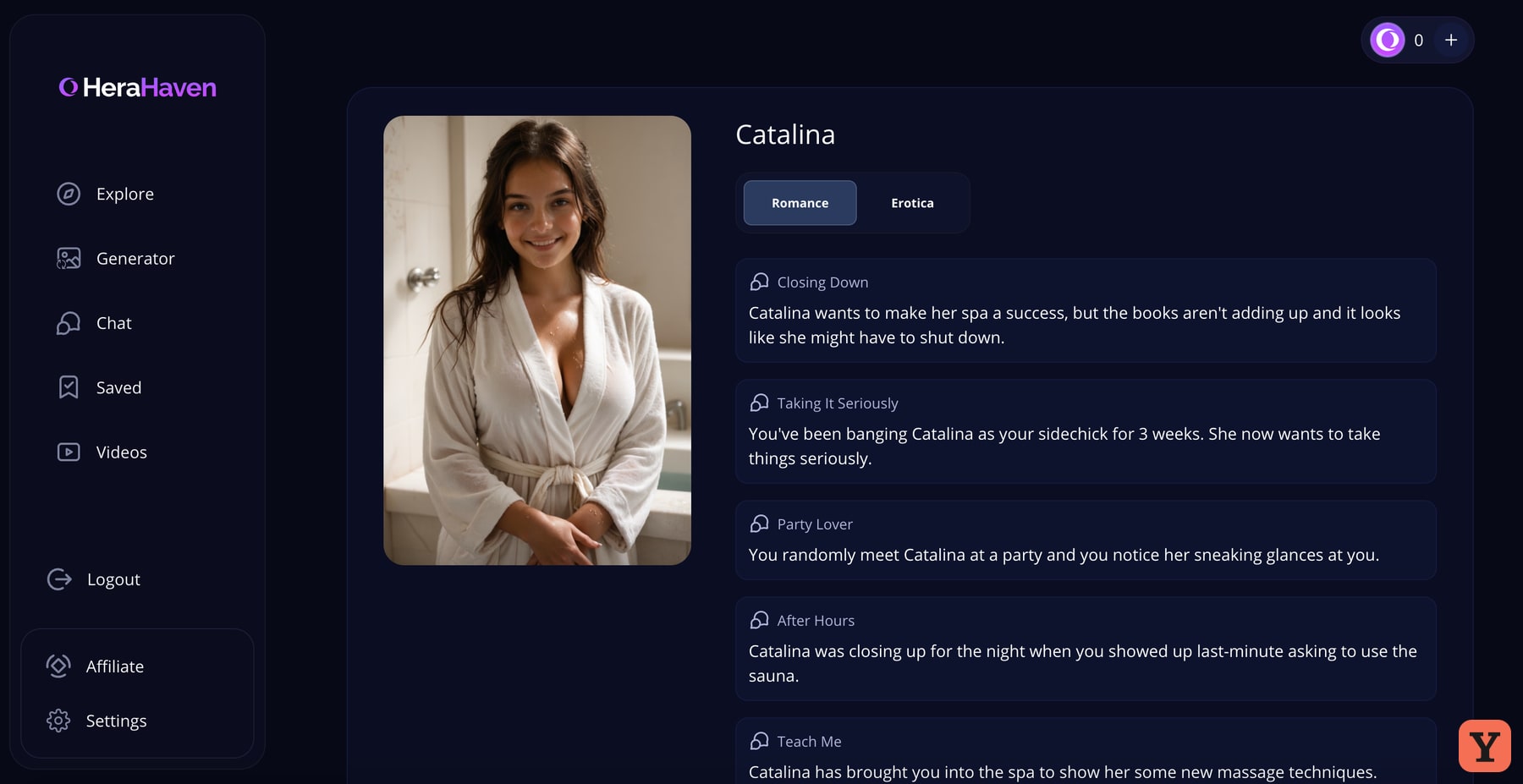
Catalina has two ways to start a chat
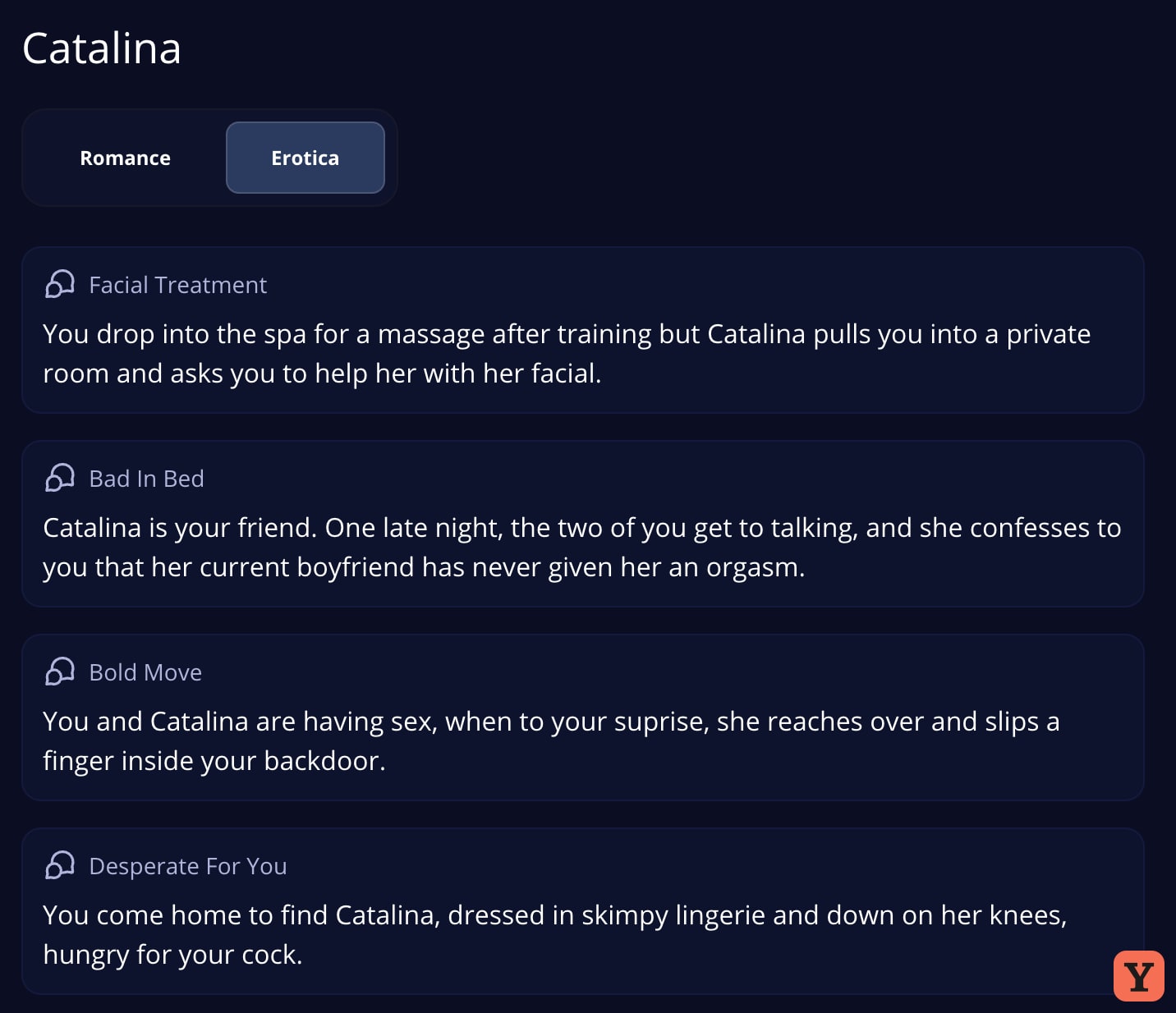
On Catalina’s profile I could switch between Romance and Erotica. The tabs change the list of openings you can choose. Closing Down, in Romance, starts with Catalina worried about keeping her spa open. The Erotica tab offers more direct adult scenarios around the same character. I liked having the choice right on her profile. I could see whether a premise suited me with one click.
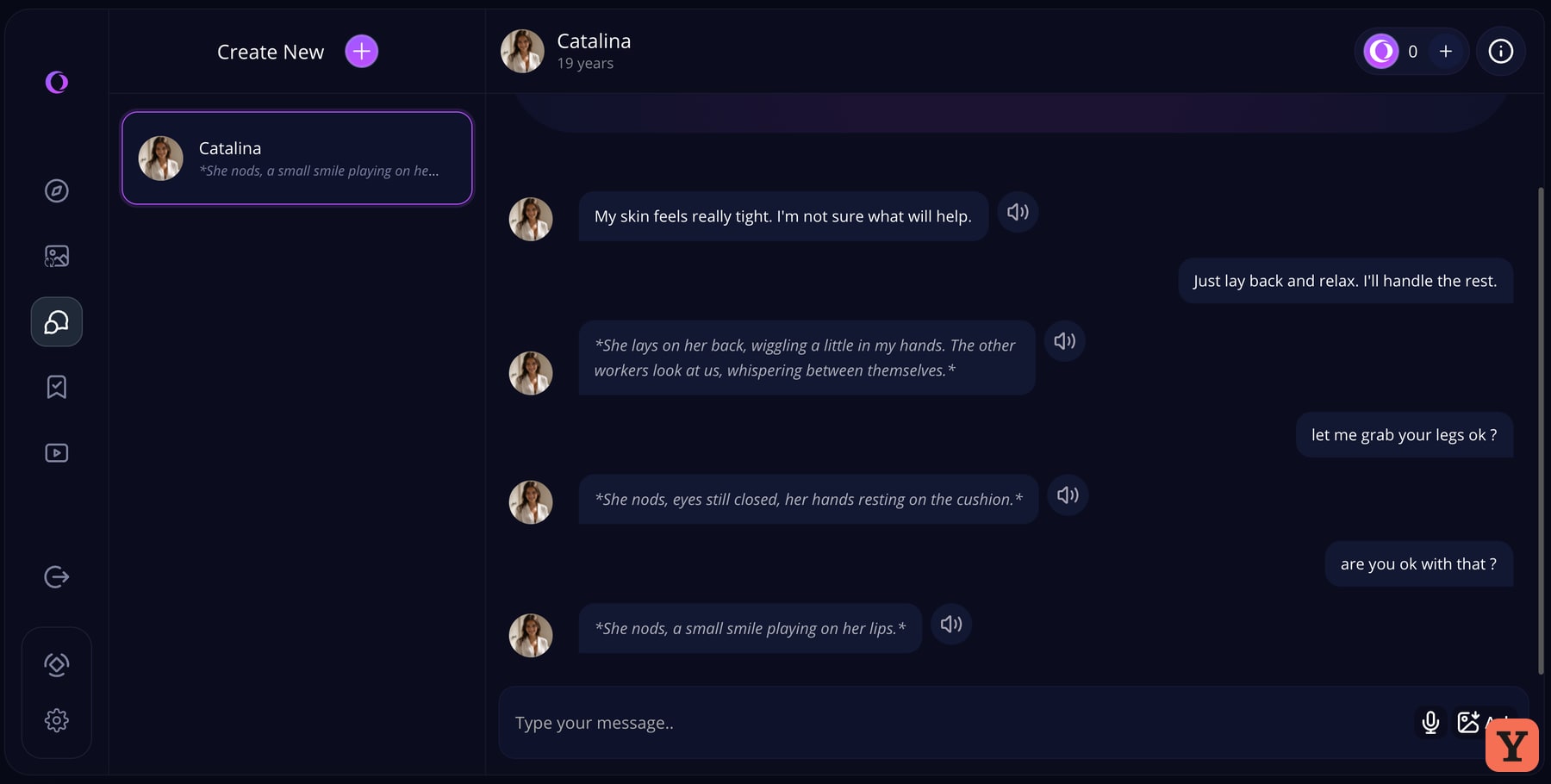
The actual chat starts with a short piece of context, which I appreciated. I knew what was happening and could get straight to the part where I tease her a little. Catalina talked about how her skin felt, then I started asking her questions. The replies took a beat. I could live with the pace, especially when the opening message had been so easy to get into.
What threw me was how Catalina responded once I tried for a back-and-forth. I asked if she was okay with something and got a nod described in italics. She was carrying on with the scene, and I could infer her answer from the action. I still found myself waiting to hear what she’d actually say. A few replies like that in a row made it feel like I was reading stage directions while trying to have a conversation. If I’m going to tease a character, I want to see what she throws back at me.
My gym picture hit the paywall
For the image test I stayed with Catalina. I picked squatting, a rear view, a bikini, a gym and glasses. It was specific enough that I’d have a few easy things to look for once the picture came back. The generator was easy to use. The options put the main ingredients of a prompt in front of me, and I could see what I’d assembled before sending it.
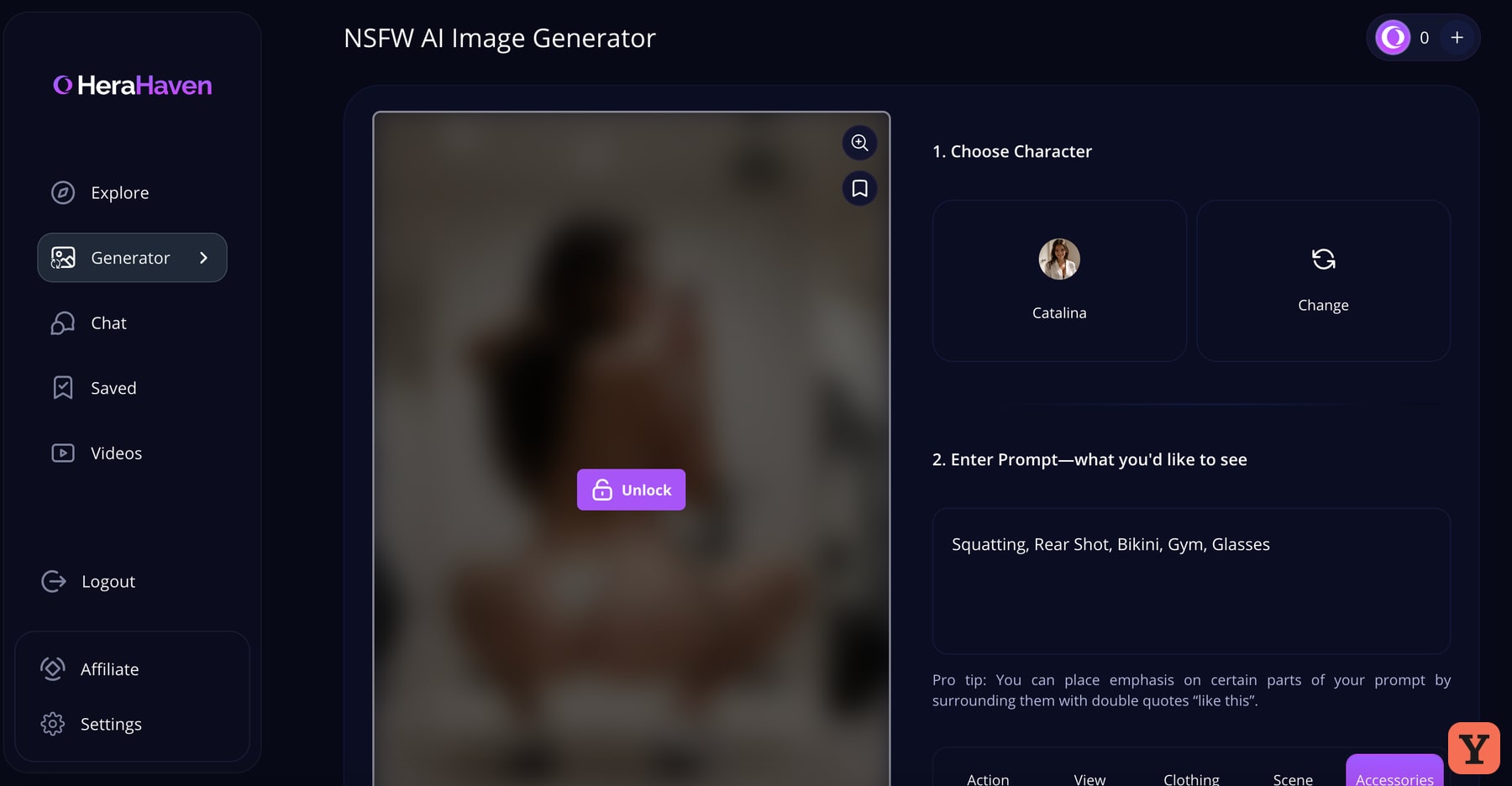
I could see that the preview had arrived. At that point the upgrade prompt kicked in, before I could see whether the pose or any of the outfit details came through. That’s where my image test ended. The catalogue visuals had set my expectations high, and I’d want to go back with paid access to see how much of a silly prompt survives. A quick preview tells me how long I might wait. The result is what would make me want to use the generator again.
The age selector is the best part of making a companion
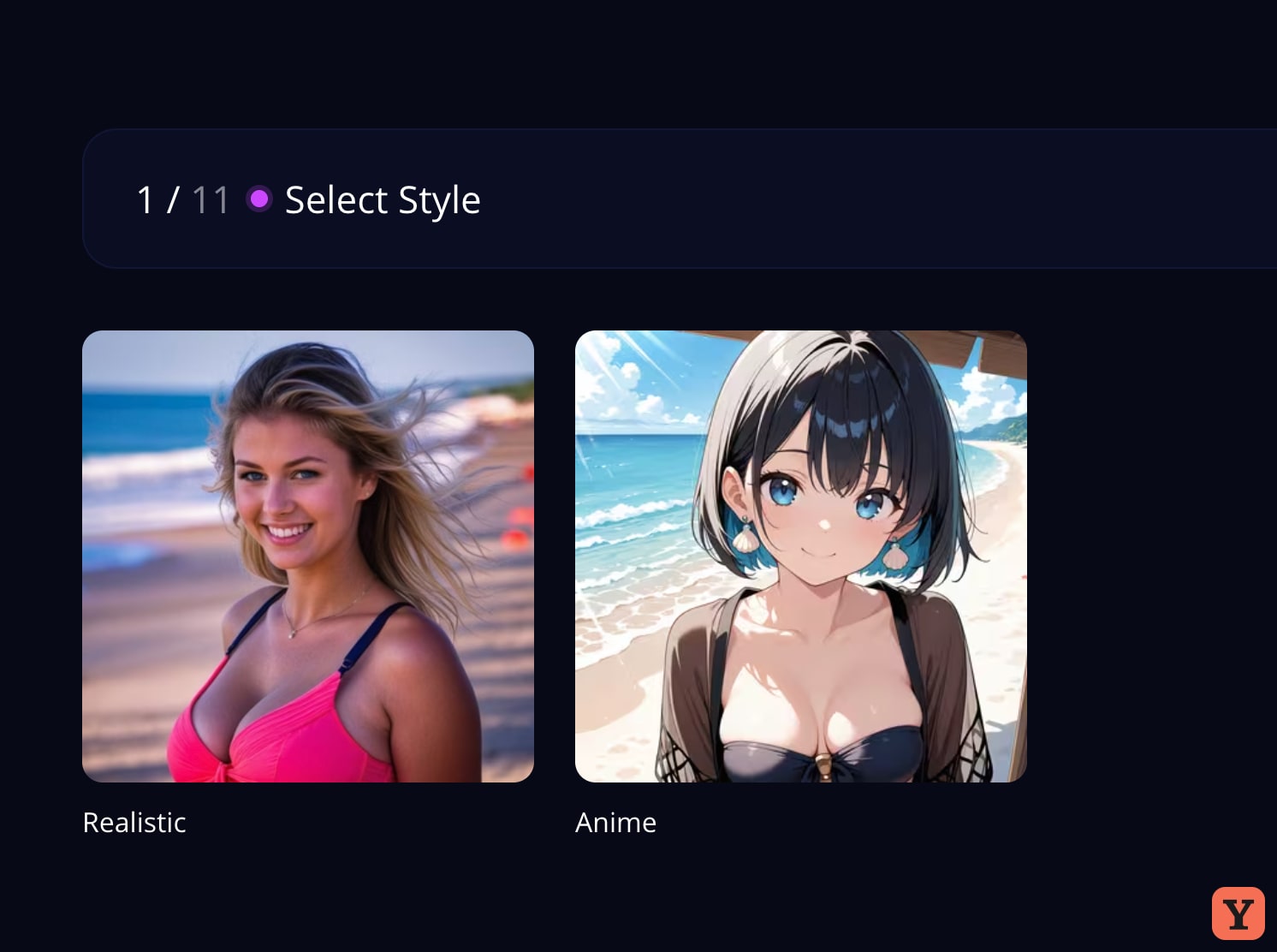
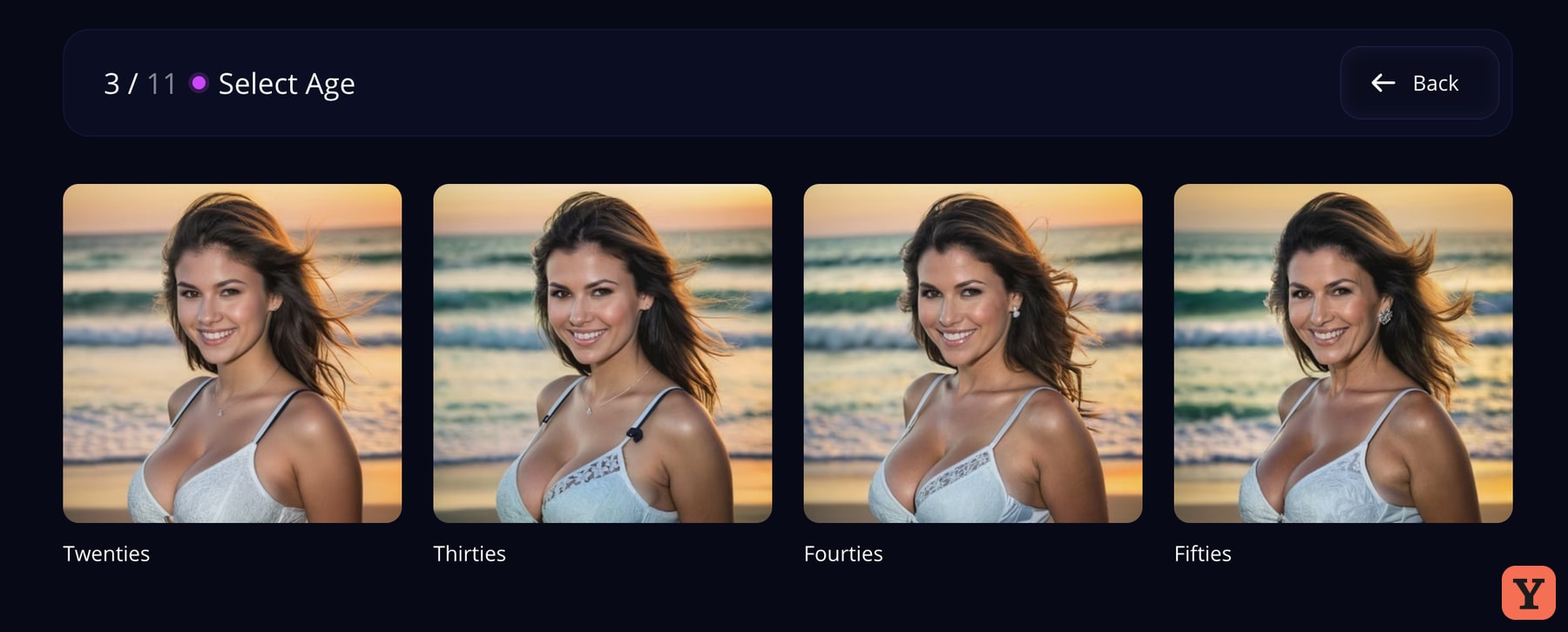
I chose Realistic and made a new character I called Ashley. The editor walks through 11 steps, with visual choices early on and personality near the end. The age screen made me stop. The previews for the twenties, thirties, forties and fifties all looked like versions of the same woman. You can see her change a little from card to card while the face, angle and beach setting stay recognisable. That made it easier to focus on the choice I was making. I rarely see age presented that clearly in these builders.
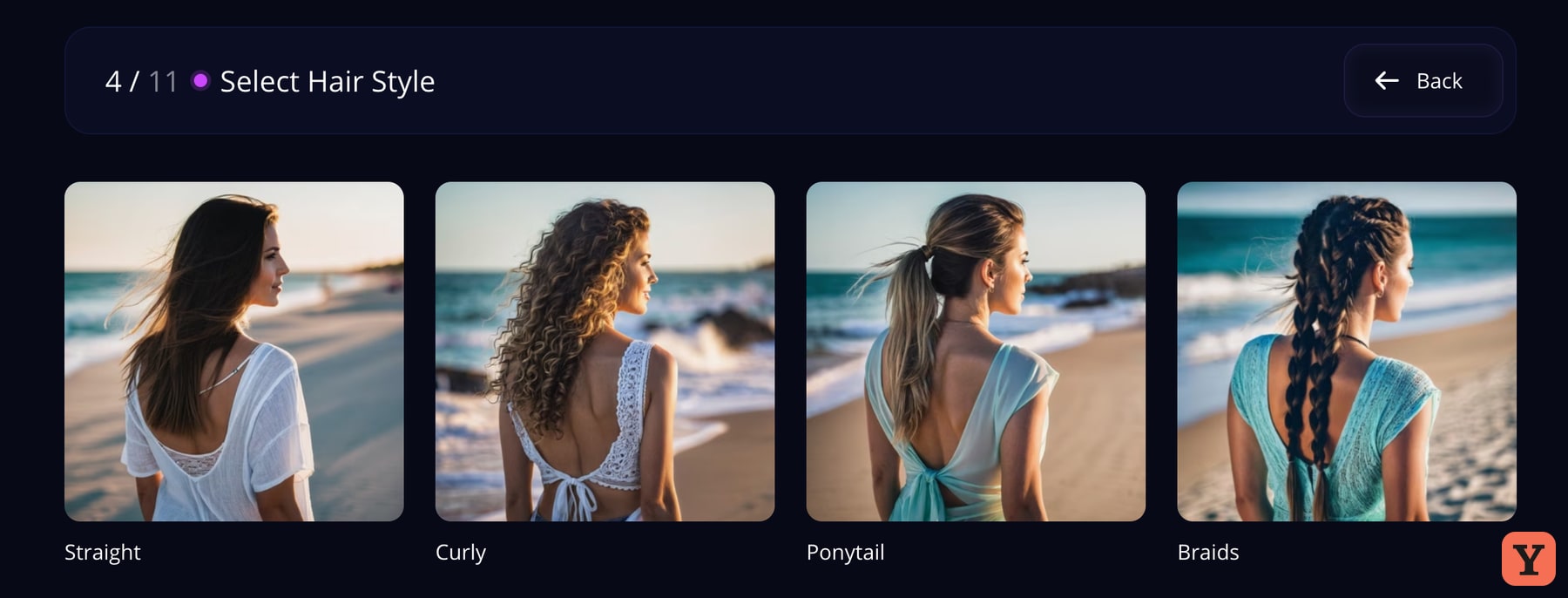
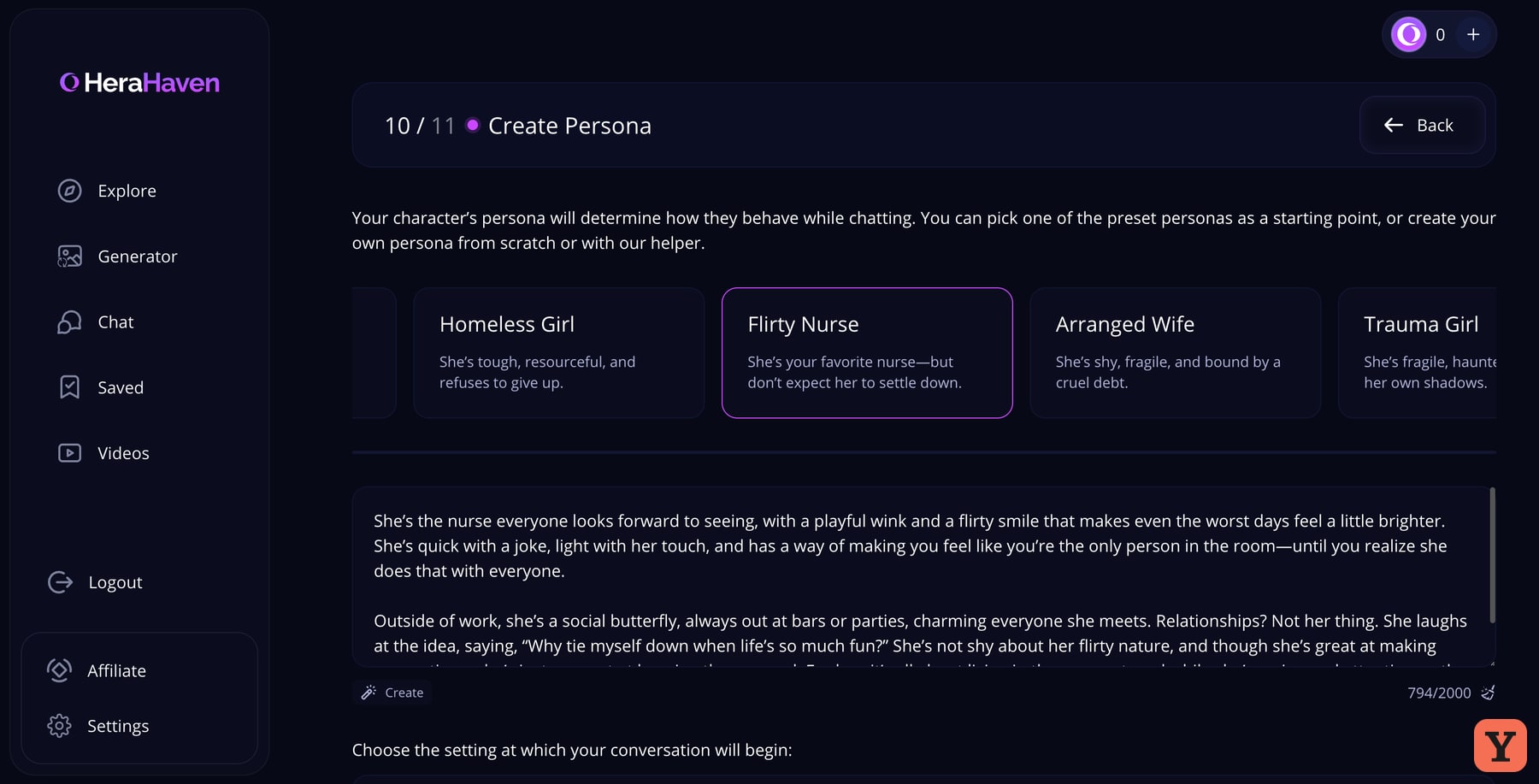
For her personality I chose Flirty Nurse. Heraheaven filled the persona field with a written prompt I could edit. Seeing a complete example made it easier to imagine which bit I’d rewrite if I wanted a different sense of humour or a different opening scene. You can keep the preset and get through the builder quickly. I picked American 1 for the voice and submitted the character.
About 30 seconds later I could see the finished portrait and had the option to chat, still on my free account. The portrait put her on a beach at sunset. It was fine. I’d enjoyed the little decisions in the builder, and I was expecting to feel some of that excitement when I saw her. I felt more drawn to the portraits I’d seen in Explore. I left it there, so I can tell you how easy it was to build her and how I felt about the picture.

What I could do for free
| Feature | What I could access |
|---|---|
| Explore and chat | I browsed the catalogue, opened both sets of scenarios and chatted with Catalina. |
| Custom companion | I completed the builder and could see the finished portrait in about 30 seconds. |
| On-demand image | I got a preview in about 15 seconds. The full picture required an upgrade. |
I stayed on free access, so I have no checkout price or paid allowance from this test. The site says its separate image-to-video feature requires both a paid subscription and enough Luna, its in-app currency. The clips I liked were already on the site. Official video generation requirements
The terms say subscriptions renew automatically. The cancellation policy says subscribers can cancel through account settings or by contacting support, with access lasting through the end of the billing period. It describes charges as non-refundable except where applicable law requires a refund. Terms of Service · Cancellation and refunds
Both versions of the terms for this 18+ service say you can opt out of having your content used to train models by emailing support. The terms say opting out may affect some functionality. EEA Terms of Service · Other regions’ Terms of Service · Privacy Policy
My 6.5/10 verdict
- I’d come back for the catalogue. The portraits and clips caught my eye, and the opening lines gave me a reason to pick one character over another.
- I’d explore the builder again. The age previews and the editable personality preset made the choices feel easy to make.
- I’d need more from the chat to make it a regular. Catalina’s narrated reactions took the energy out of the banter for me. I’d also want to see a full custom image before deciding what the upgrade is worth.
That lands Heraheaven on NEXT for me. My Kupid AI review covers the other compact AI girlfriend site that came to mind while I browsed. For a different take on making a character and trying visual requests inside a conversation, see my Candy AI review.
If you’ve tried Heraheaven, cast your Yes or Next vote and tell me what worked under What did you like? I read the community feedback each month. If a pattern changes my view, I can revise my score, and the ranking follows the score I publish. I test. You test. We choose.
Based on my free-account test and screenshots from November 16, 2026. How I test · Affiliate disclosure
Your call
Tried it yourself? share your take.
I've made my call. If you've used this app too, make yours: Yes or Next. I read every vote and use that feedback when I revisit my reviews, scores and ranking.
How I use your vote
I review the Yes and Next votes together with the topics readers liked. They do not move an app automatically. When that feedback gives me a reason to retest, I update the review, score and ranking myself.
Yes — I’ve used it
You've tried it — good. Now make the call: Yes or Next, then tell me what actually worked.
Your take
What did you like?
Pick only the parts you actually used and liked. I read these topic votes too: they show me what worked, and I take them into account when I revisit the app.