
I nearly dismissed Darlink when I opened it on November 2, 2026. Anime characters were everywhere, and that is rarely my thing. Then I found Janelle Grey, explored the creator profiles and made Sarah. The realistic side deserved a closer look.
This page contains affiliate links. I may earn a commission if you sign up, at no extra cost to you. This review is for adults aged 18+.
Past the anime, I found janelle grey
The homepage mixes anime and realistic characters. My first impression leaned heavily towards anime, but the catalogue has a style filter, so I did not have to stay with that selection. Janelle Grey, a realistic character listed as 38, was much closer to what I wanted.
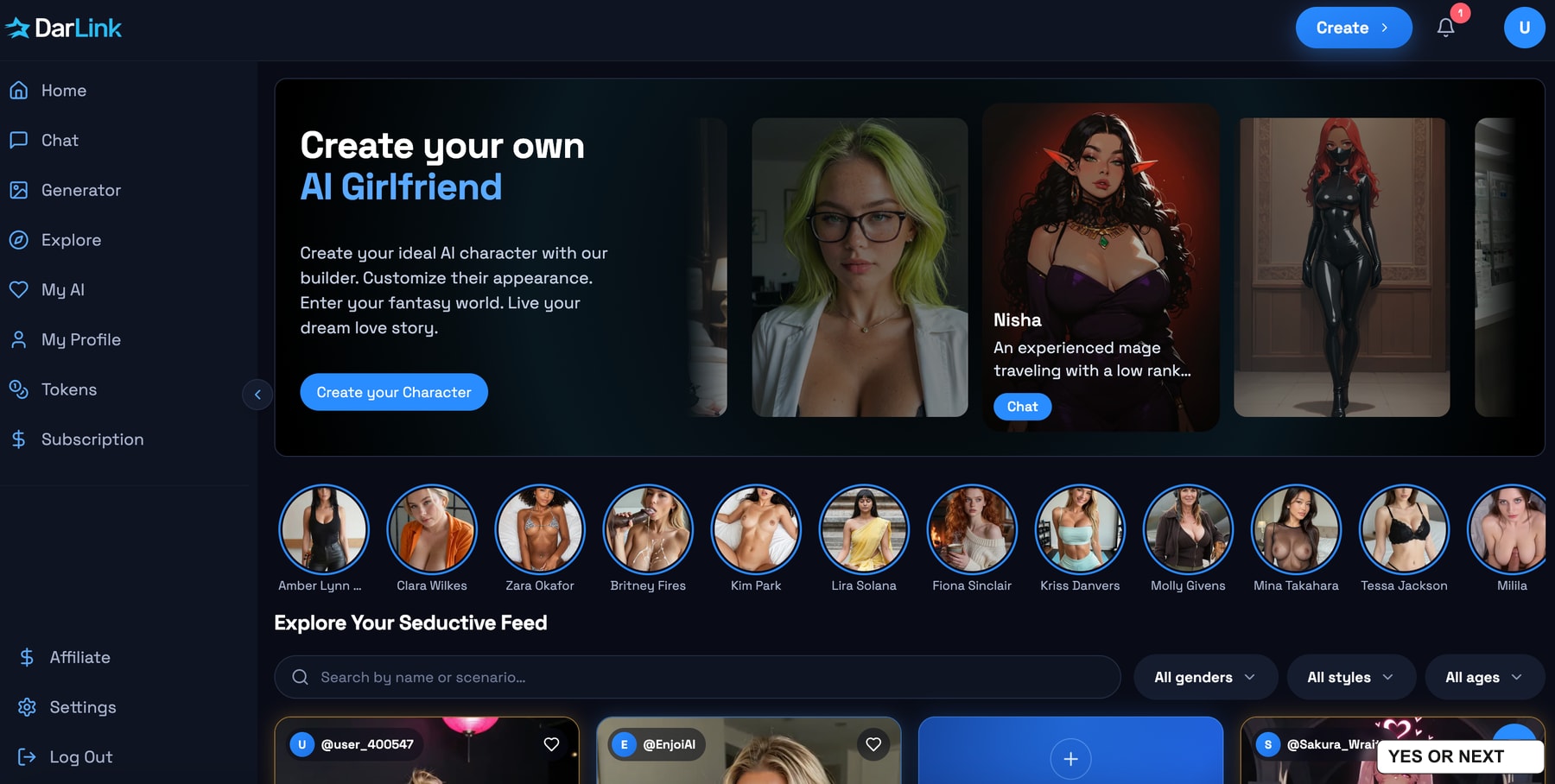
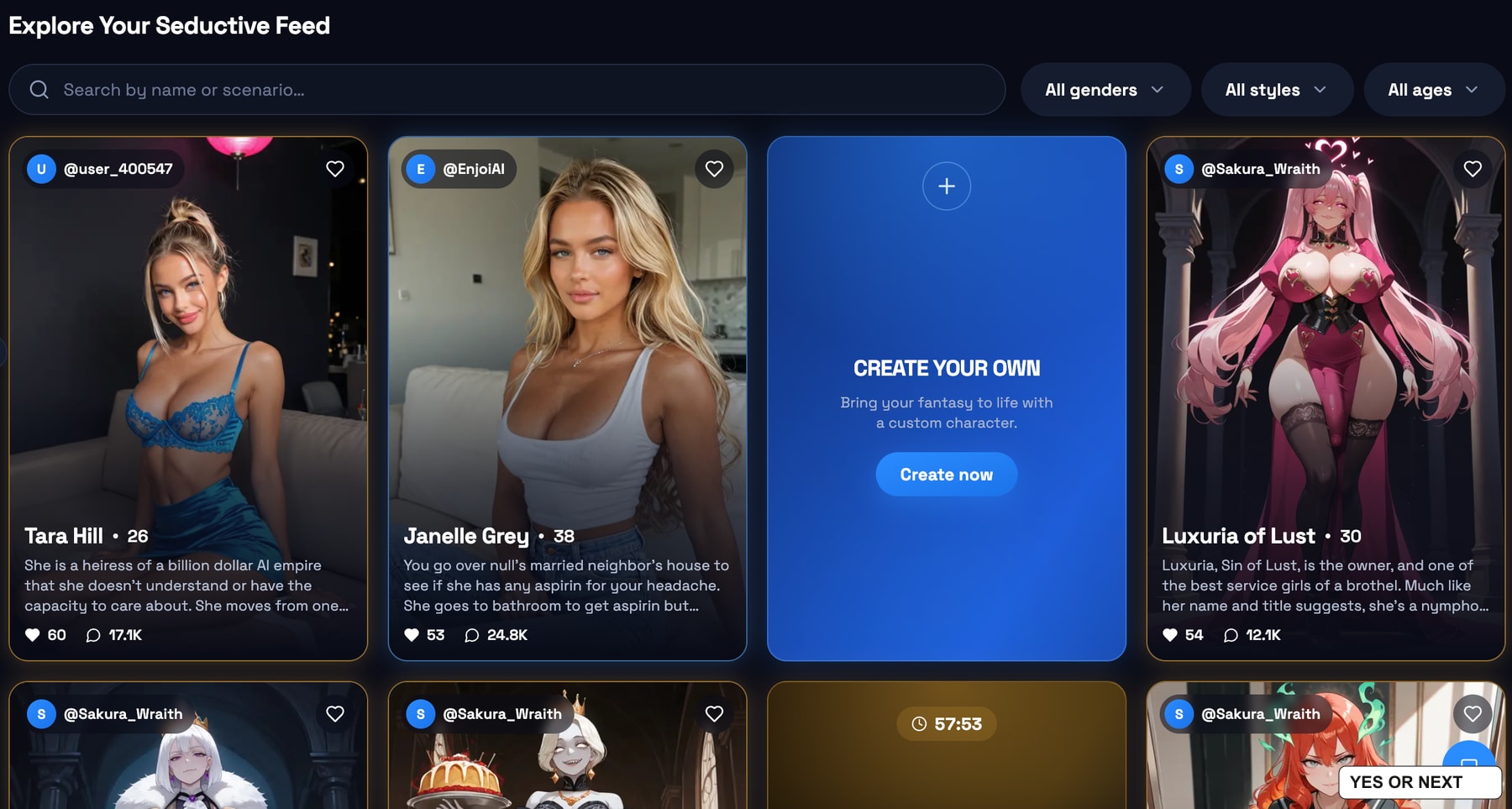
One thing I liked immediately: I could view adult photos of the character before buying Premium. I want some idea of the visual quality before paying for it. A preview gives me something concrete to judge; a locked thumbnail gives me much less reason to subscribe.
That was the access I encountered during this visit, rather than a promise that every gallery or generation is free. I did not have a Premium account when I tested Darlink.
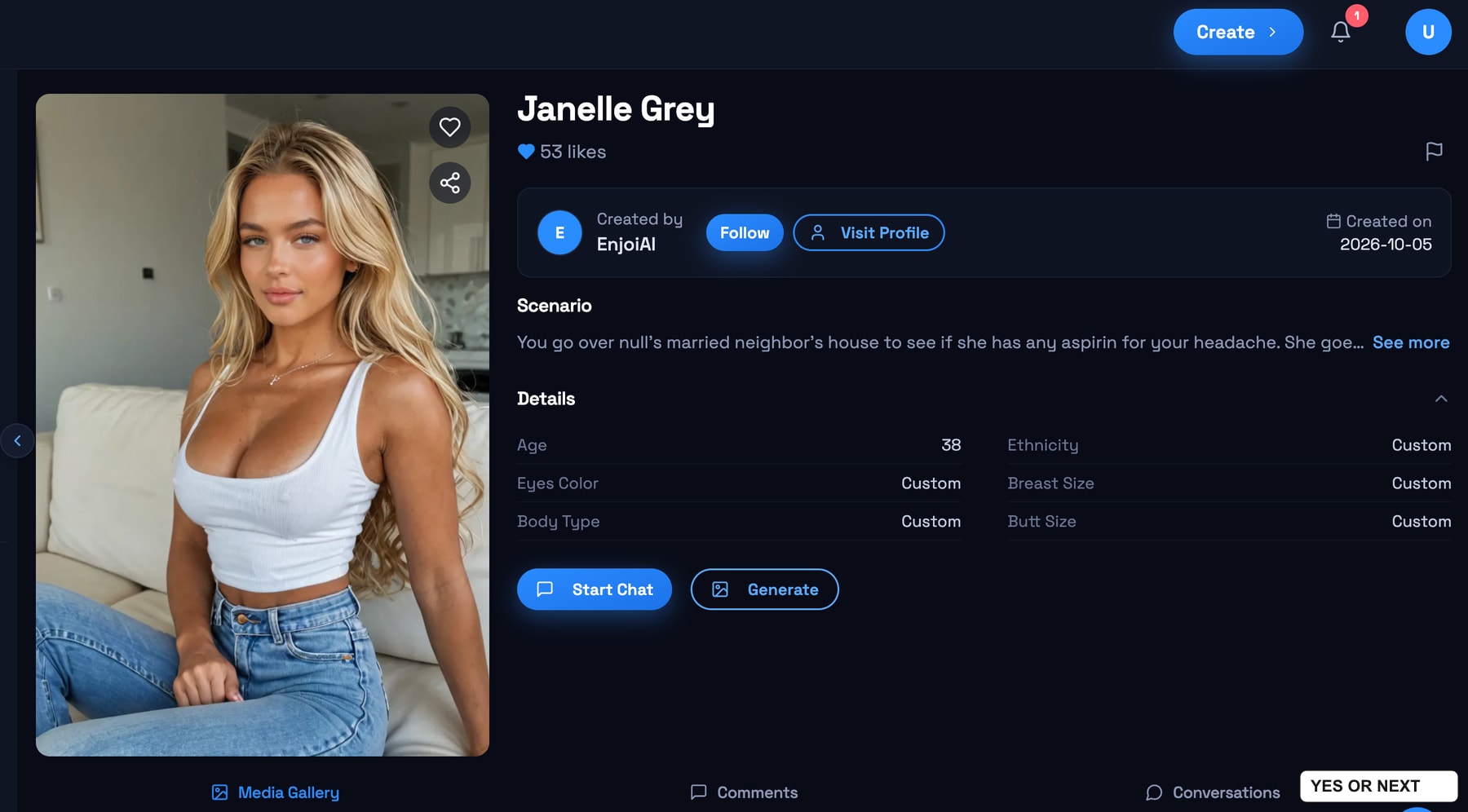
The creator attribution is a smart discovery feature. I could open the creator’s profile and look through their other characters. If I like someone’s visual style once, there is a reasonable chance I will like another of their creations. That feels more useful than browsing random faces indefinitely.
Private chat or a group of characters
Starting a chat gives me two choices: a one-on-one conversation or a group chat. The group picker allows up to four AI characters in total. I can keep Janelle selected and add others, rather than opening a separate conversation for each one.
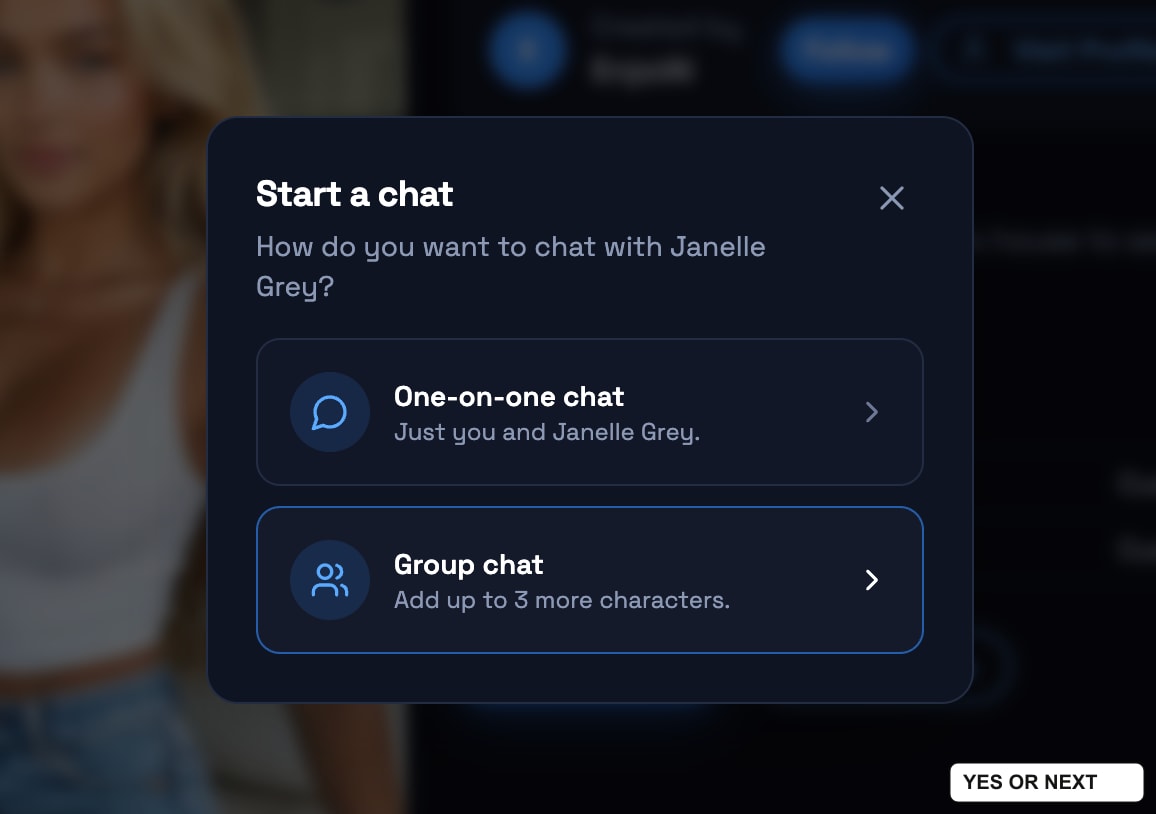
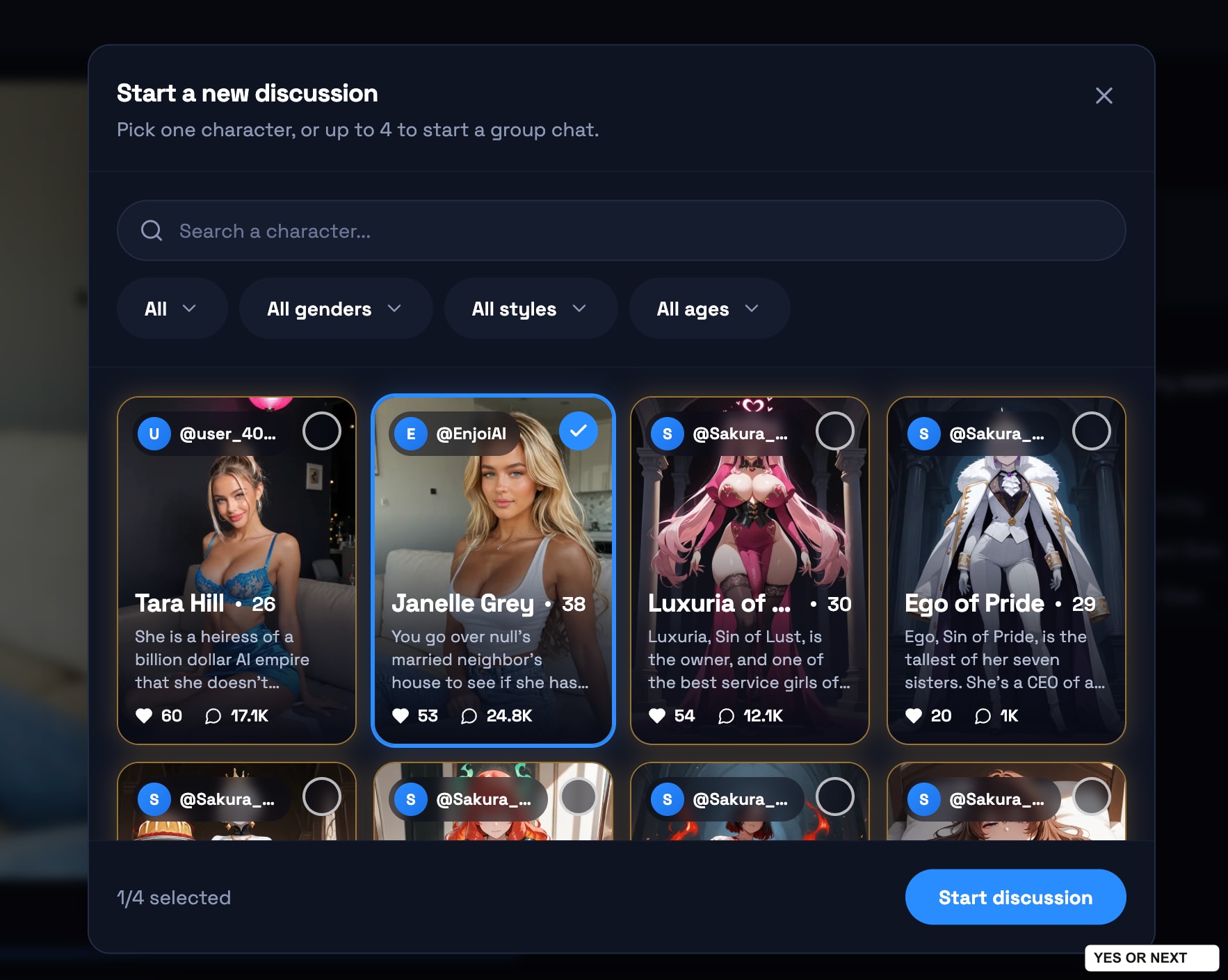
My free allowance was five messages. That is enough for a first taste, but too short for me to judge long-term memory or how well a group conversation stays coherent. The option interests me; I am not claiming an extended chat test from a brief visit.
I created sarah, and liked the result
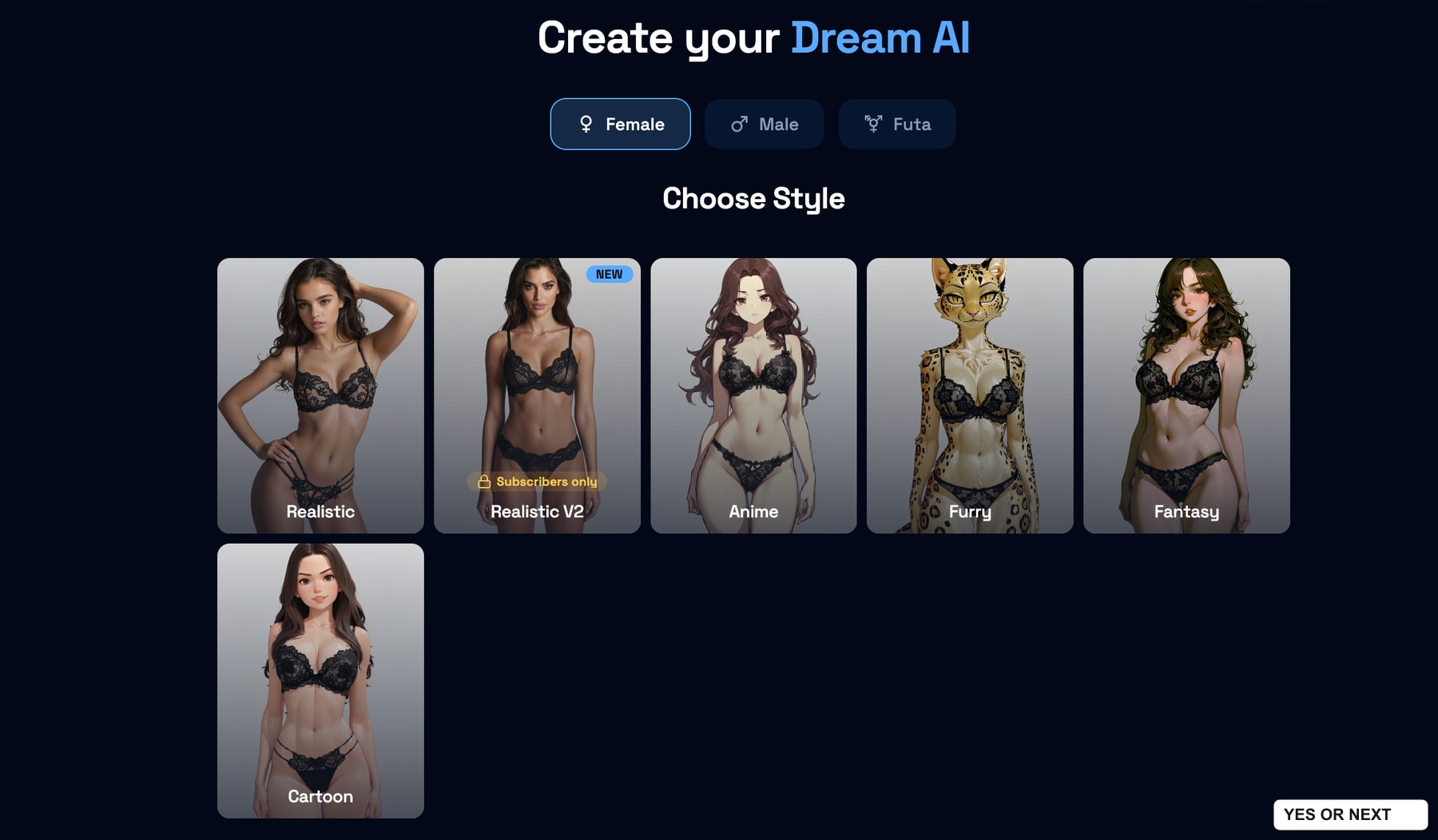
The character builder is straightforward. I would not call it an original feature, but it does the job. The opening screen offers Realistic, Realistic V2, Anime, Furry, Fantasy and Cartoon. Realistic V2 is marked subscribers-only in my capture; I used the regular realistic route.
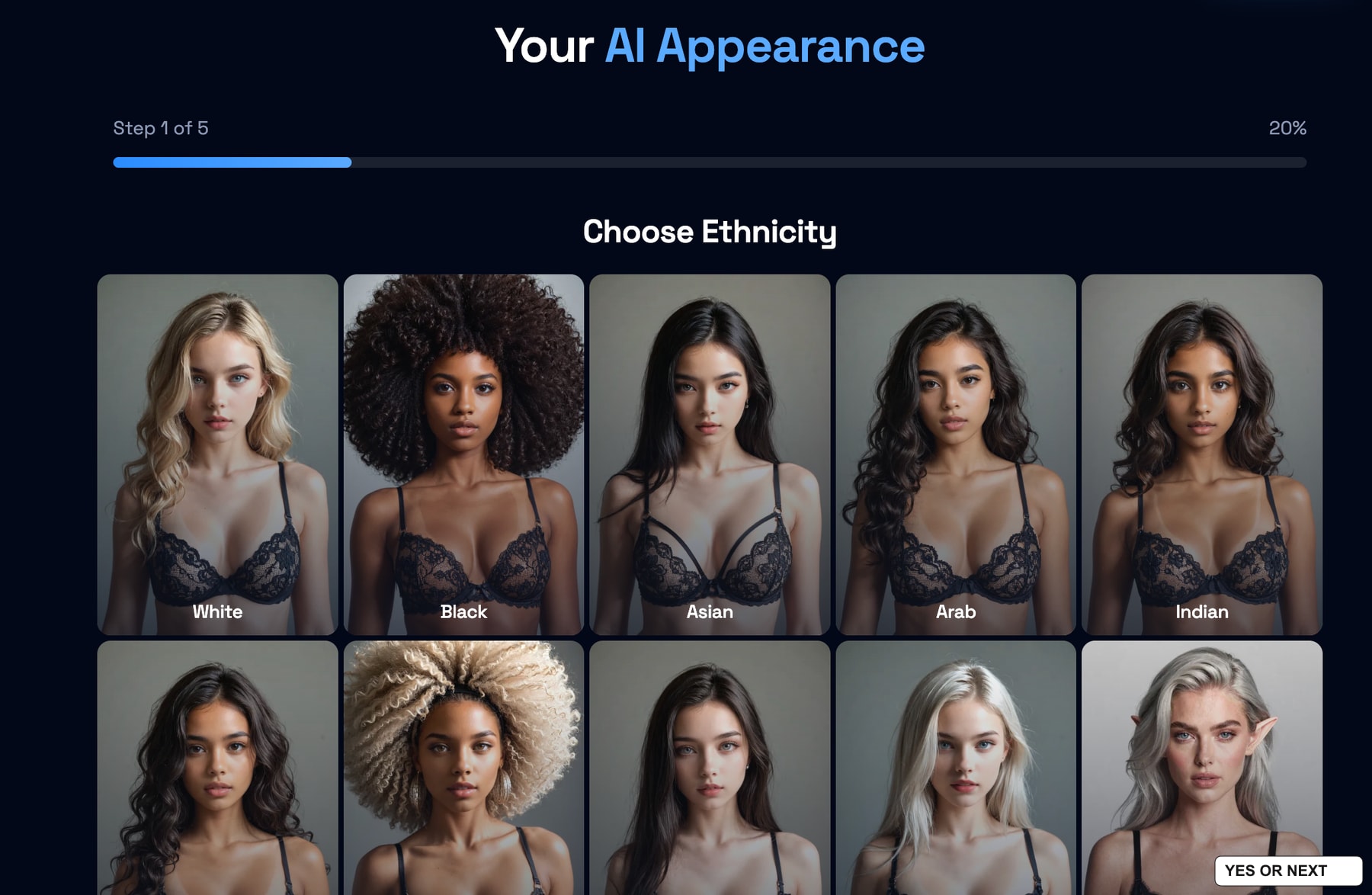
Appearance choices come first, followed by eye colour, hair and the character’s persona. The screens use large visual choices, which makes the process easy to follow. There is no need to write a detailed character description just to get started.
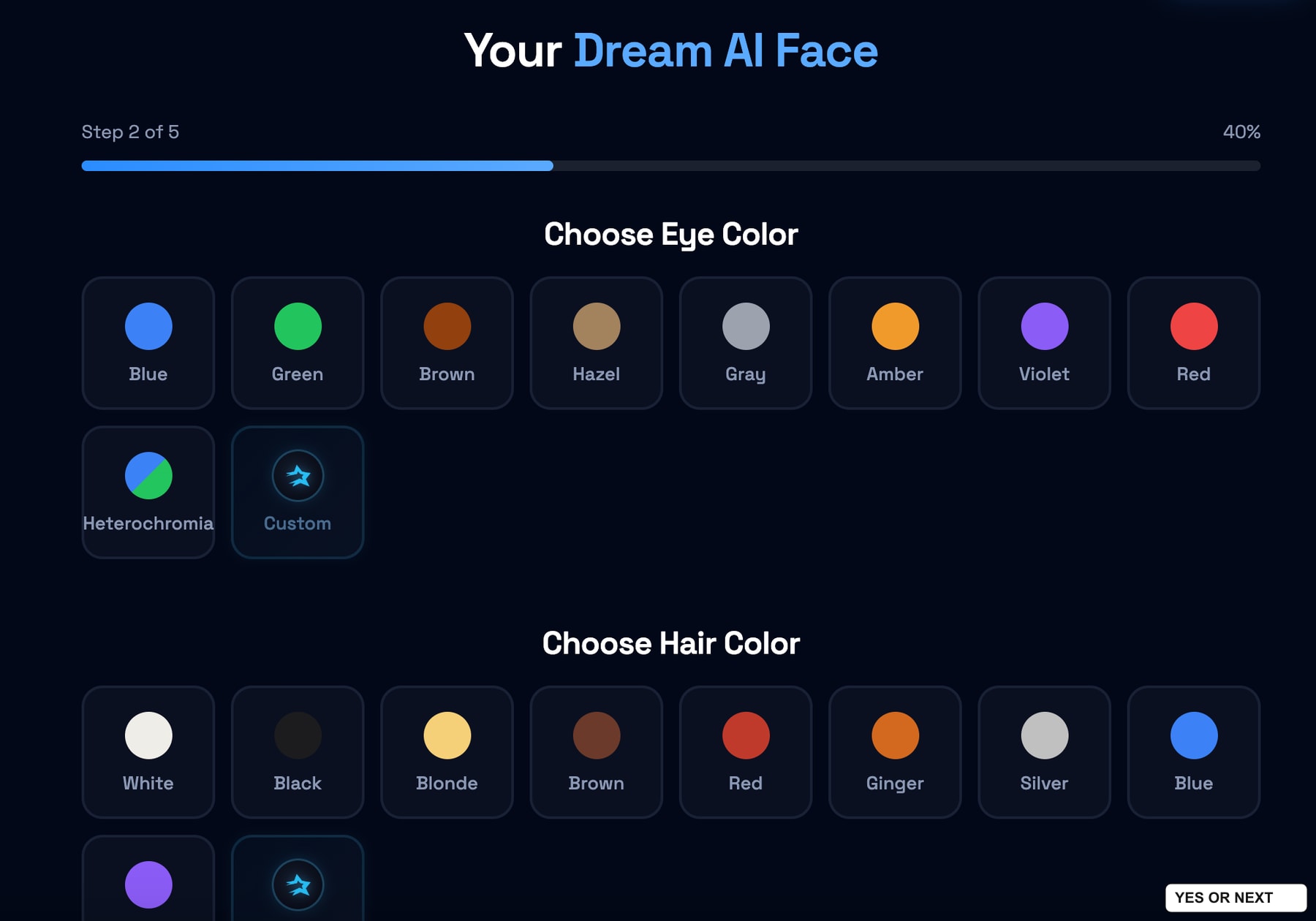
I named my character Sarah. Her persona screen shows a playful voice, a caring personality and a girlfriend relationship. These are settings I selected, not qualities I verified through a long conversation. The Next button also displays a two-token amount at this step.
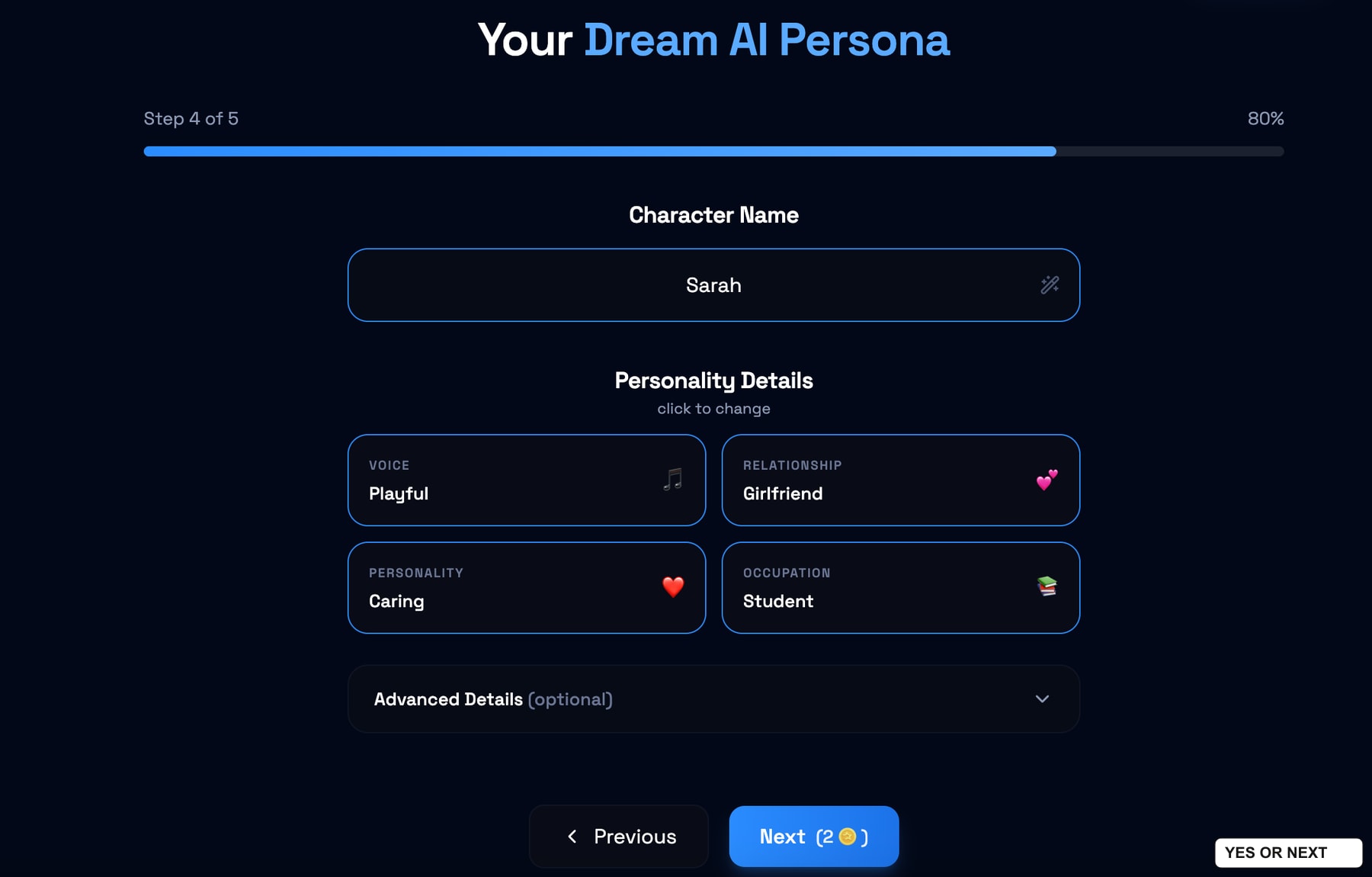
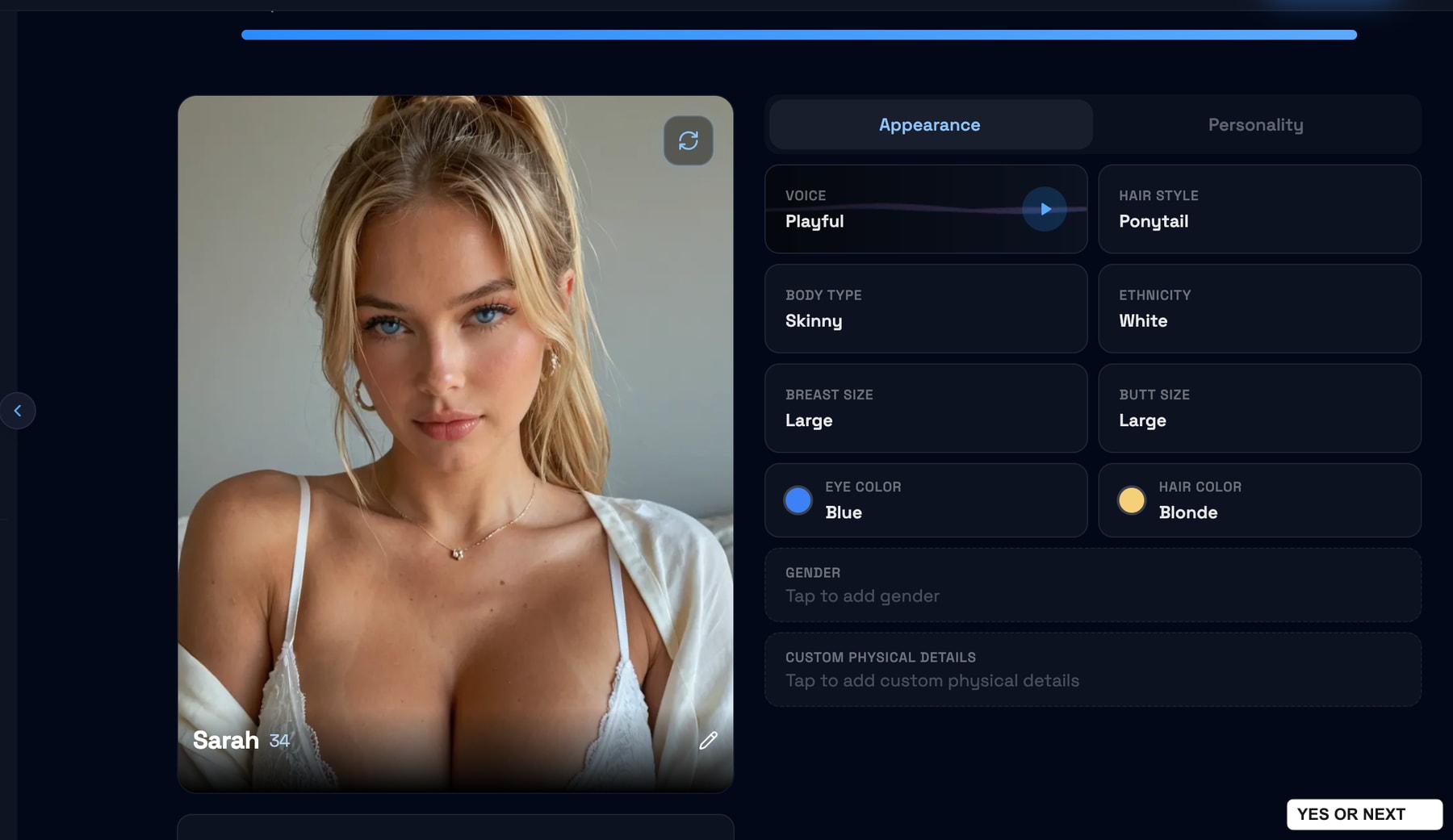
The finished profile lists Sarah as 34, with blonde hair and blue eyes. I really liked her appearance. A basic setup flow can still produce a character I want to use, and that is what happened here.
Two image prompts, two convincing results
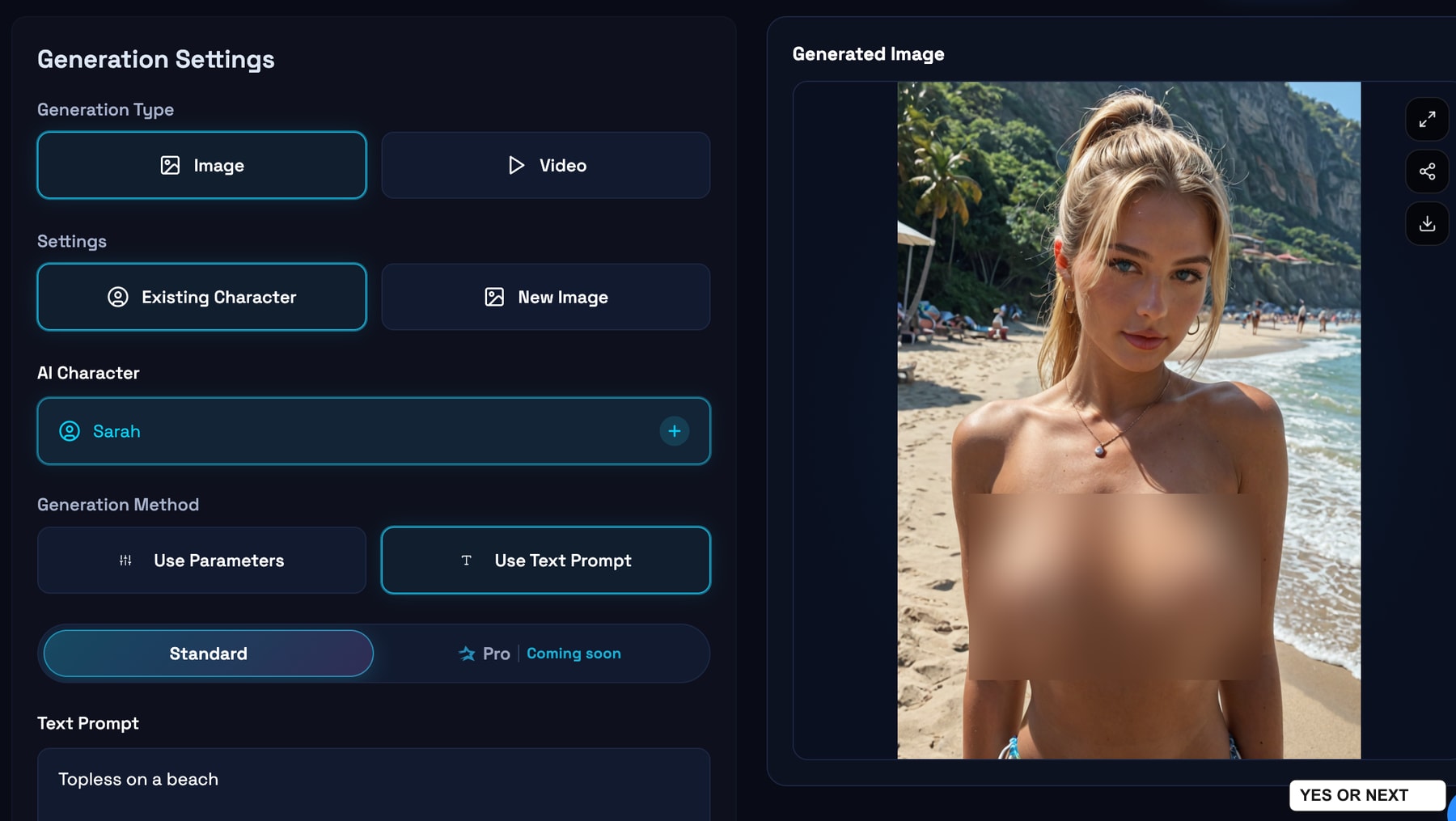
After creating Sarah, I moved to the generator. It offers Image and Video modes, an existing-character selector, and either parameters or a text prompt. I tested images with Sarah selected; I did not generate a video.
My first prompt was “Topless on a beach.” The output was more than convincing to me, and Sarah remained recognisable from her profile. That is the useful part of this test: I created a character, then used her in a different setting instead of starting over with an unrelated face.
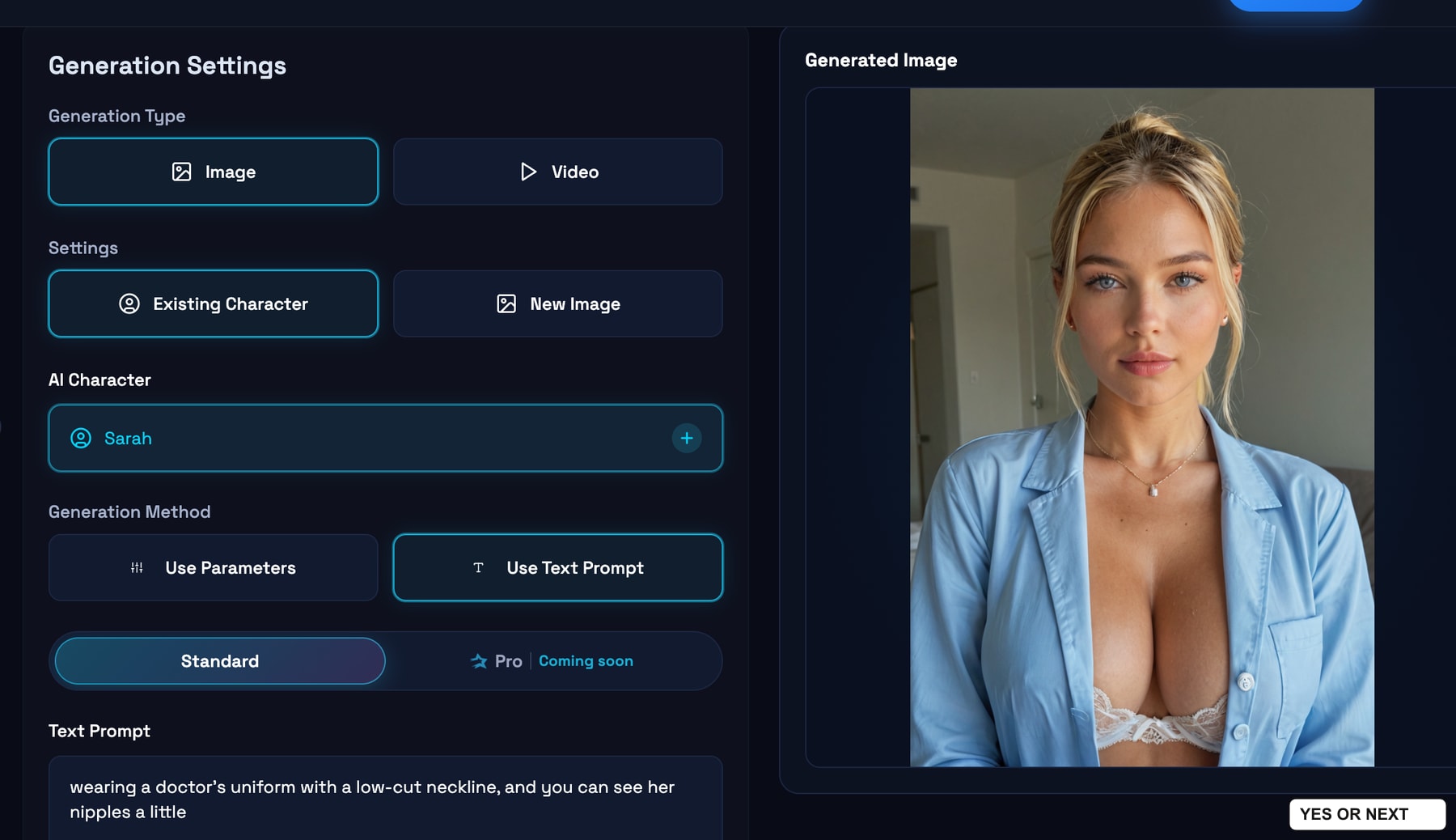
For the second image, I asked for a doctor’s outfit with a low neckline and a little visible nudity. The output looked good, although it did not fully follow that last detail. I was happy with the result anyway. Two attractive outputs do not establish a success rate, but they were enough to make the generator a highlight of my visit.
What this visit actually covered
| Feature | My experience |
|---|---|
| Character browsing | Realistic and anime profiles; adult photo previews accessible during my visit |
| Chat | Five free messages in my account; one-on-one and up to four-character group options |
| Custom character | Created Sarah, aged 34, through the realistic builder |
| Image generation | Two Sarah outputs: a beach scene and a doctor’s outfit |
| Paid access and video | No Premium subscription purchased; no video generated |
I have not verified a current checkout price, so I am not putting a monthly price on this test. For paid access, Darlink’s official terms describe subscriptions and generally non-refundable purchases, with a discretionary exception for some requests made within 24 hours after minimal use. Its privacy policy says it stores chat content and may use interaction data to improve its AI. I checked those pages on November 2, 2026; I did not test billing or refunds.
My verdict: YES, 8.9/10
- Best part: Sarah’s appearance and the two image outputs.
- Good discovery idea: browsing other characters from a creator I already like.
- Useful preview: seeing adult character photos before deciding whether to pay.
- Interesting extra: group chat with up to four AI characters.
- What I missed: the dedicated roleplay and mini-series experiences I enjoy elsewhere.
I would still turn to Candy AI or Secrets AI when I want those story-led experiences. I did not find an equivalent during this Darlink visit. Readers comparing realistic characters can also check my Lovescape review.
Darlink earns a clear YES and 8.9/10 from me. It will not sit at the very top of my personal ranking, but the realistic characters and image creation earned it a place. I arrived unsure about the catalogue and left pleased with Sarah.
Used Darlink? Vote Yes or Next and choose what you liked. I review community feedback every month and may adjust my score using those trends and my editorial judgement. Votes never change the score or ranking automatically. I test. You test. We choose.
Based on my November 2, 2026 notes and thirteen screenshots. See how I test and the affiliate disclosure.
Your call
Tried it yourself? share your take.
I've made my call. If you've used this app too, make yours: Yes or Next. I read every vote and use that feedback when I revisit my reviews, scores and ranking.
How I use your vote
I review the Yes and Next votes together with the topics readers liked. They do not move an app automatically. When that feedback gives me a reason to retest, I update the review, score and ranking myself.
Yes — I’ve used it
You've tried it — good. Now make the call: Yes or Next, then tell me what actually worked.
Your take
What did you like?
Pick only the parts you actually used and liked. I read these topic votes too: they show me what worked, and I take them into account when I revisit the app.